
Moving is often described as one of life’s most stressful experiences, and anyone who has done it more than once probably understands why. It’s rarely the packing itself that causes problems—it’s what happens after the boxes are sealed. Items disappear, labels fade, and suddenly you find yourself standing in a half-empty apartment wondering which box contains your phone charger.
The difference between a chaotic move and a smooth one usually comes down to how well you organize your belongings before and during the process. In 2026, a new generation of mobile apps has made this much easier. Instead of relying on handwritten labels or spreadsheets, these tools allow you to visually catalog your items, assign them to boxes, and track everything digitally from start to finish.
We reviewed several of the most reliable moving inventory apps available today and focused on usability, speed, offline support, and how well they handle real-world moving situations—not just theoretical organization.
Here are four apps that stand out.
Pricing: Free basic plan; paid plans available for advanced features
Encircle is one of the most practical tools for anyone who wants more than just a packing checklist. Originally designed for insurance documentation, it has become a powerful home inventory app for moving, downsizing, and long-term asset tracking.
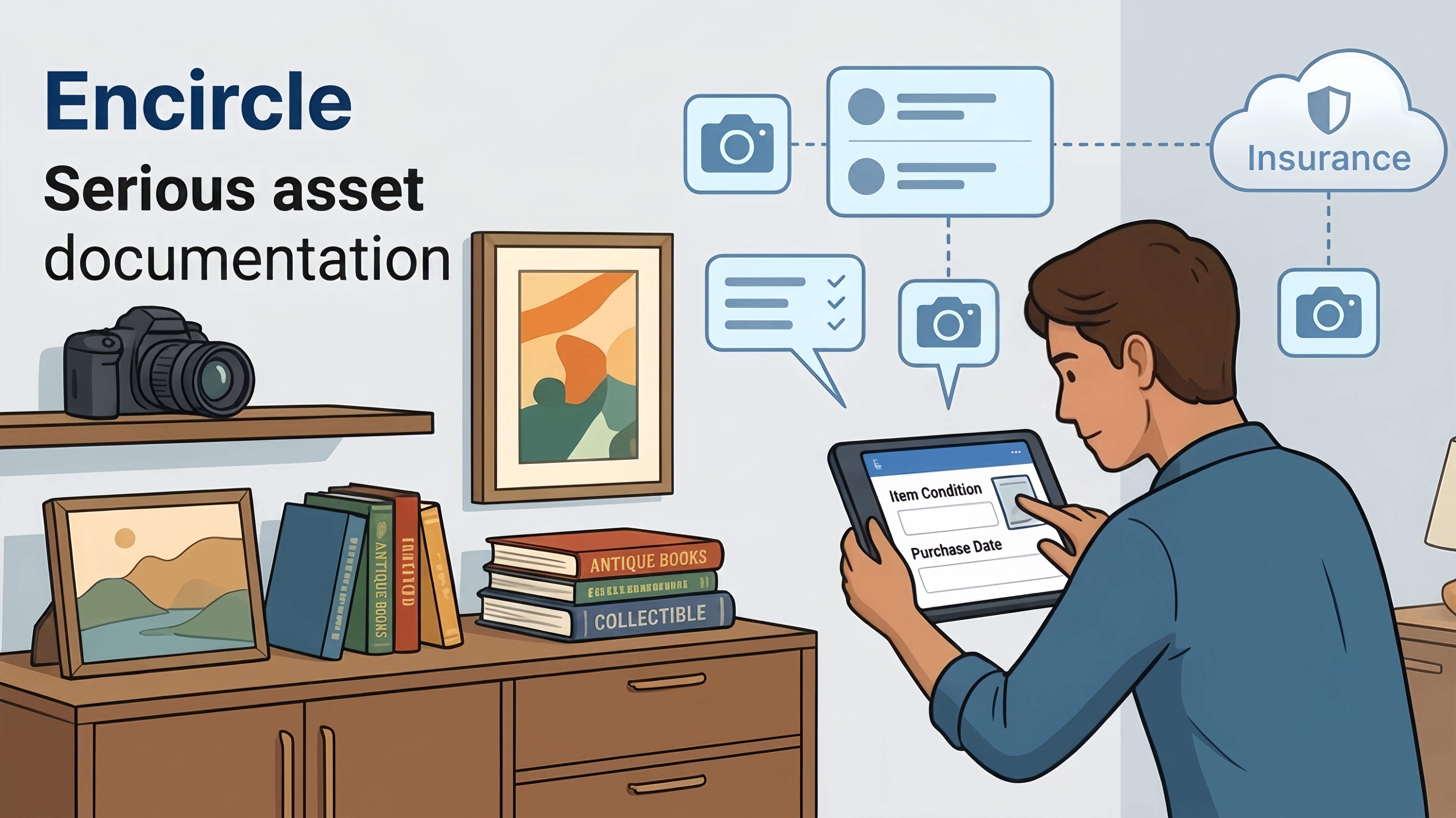
What makes Encircle stand out is its focus on visual documentation. Instead of manually typing everything, you can take photos of your belongings, organize them by room, and attach detailed notes such as condition, estimated value, or purchase date.
For people moving high-value items—electronics, furniture, collectibles—this level of detail is especially useful. It also becomes helpful later if you ever need proof of ownership for insurance purposes.
Excellent photo-based inventory system
Useful for insurance documentation and claims
Room-based organization keeps moves structured
Cloud sync ensures nothing is lost
Interface is more functional than visually polished
Requires some initial setup time for large homes
People who want a serious, long-term record of their belongings—not just a temporary moving checklist.
Pricing: Free tier available; paid plans required for larger inventories
Sortly is one of the most widely used moving and inventory apps for both personal and small business use. Its biggest strength is its visual-first design, which makes it easy to understand where everything is at a glance.
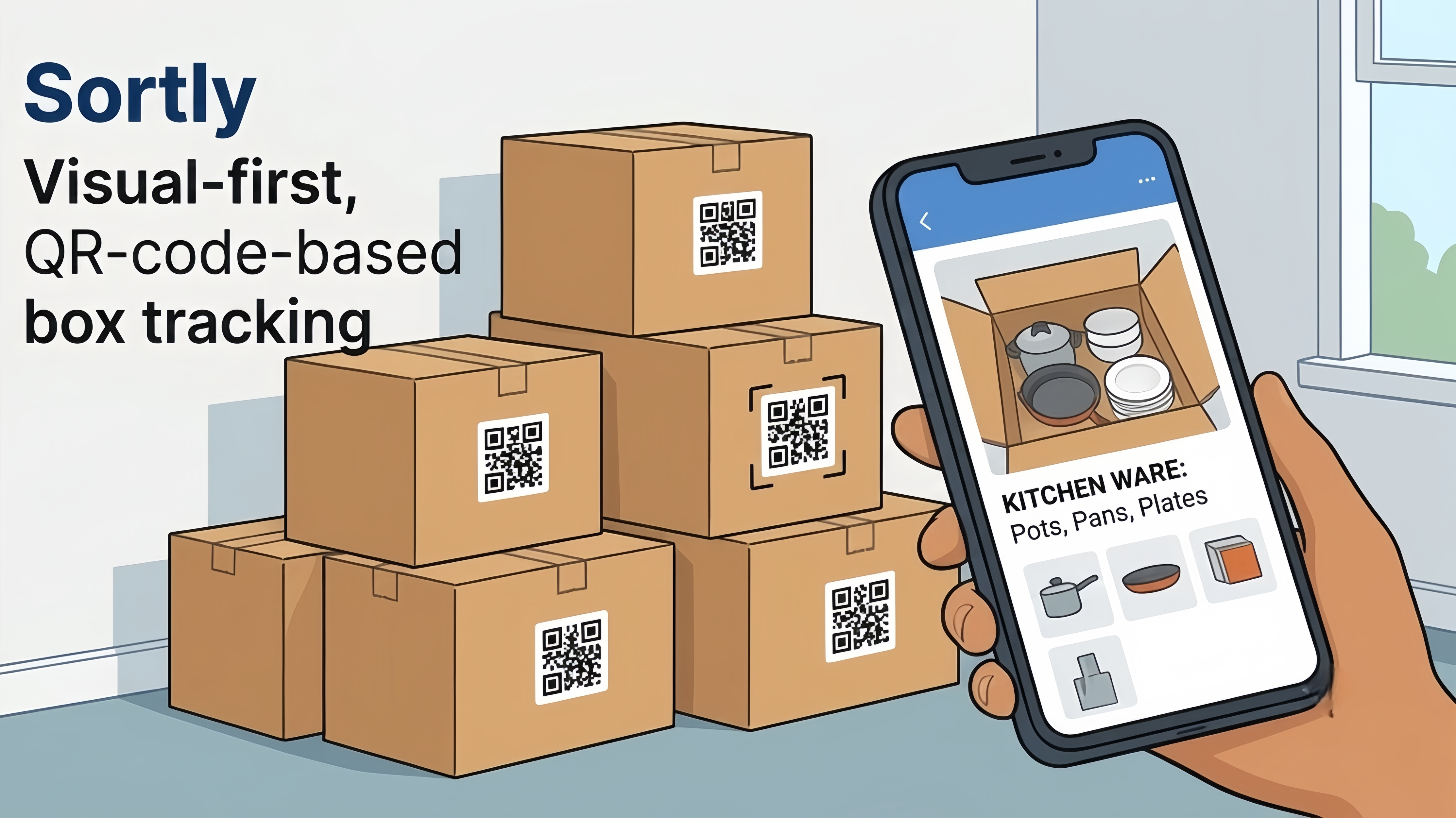
Each item can be tagged with photos, quantities, and folder structures (usually organized by room or box). One of its most useful features is QR code labeling, which allows you to stick a code on each box and instantly see what’s inside by scanning it with your phone.
This becomes extremely helpful on moving day when dozens of identical boxes are stacked in different rooms.
Extremely user-friendly interface
QR code system simplifies box tracking
Great visual layout for quick scanning
Works well for both small and large moves
Free version is limited in item count
Advanced features require subscription
Can feel slightly restrictive for complex workflows
Users who want a clean, visual system that reduces confusion during unpacking.
Pricing: Free
MoveAdvisor takes a slightly different approach compared to pure inventory apps. Instead of focusing only on what you own, it helps you manage the entire moving process, including timelines, tasks, and logistics.
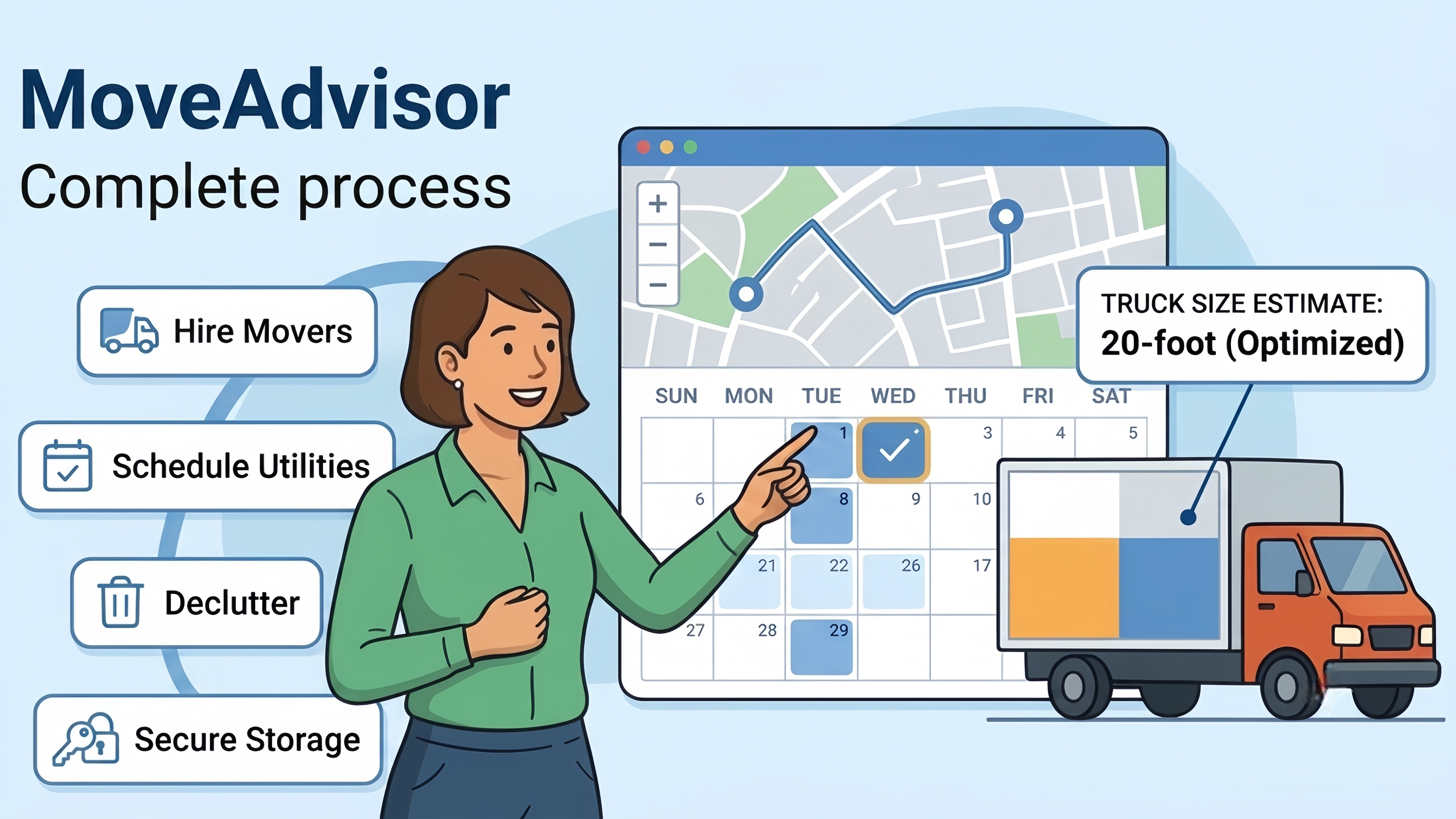
The app allows you to create a room-by-room inventory, estimate moving volume, and build a structured moving timeline. One of its more underrated features is the ability to estimate moving truck size based on your inventory, which helps avoid overpaying for unnecessary space.
It also includes a directory of local moving companies, which can be useful if you decide to hire help last minute.
Combines inventory + moving checklist in one app
Helps estimate moving truck size
Completely free to use
Good for first-time movers
Interface feels less modern than competitors
Not as strong in visual organization
Some features require manual input
Users who want guidance throughout the entire moving process, not just item tracking.
Pricing: Free
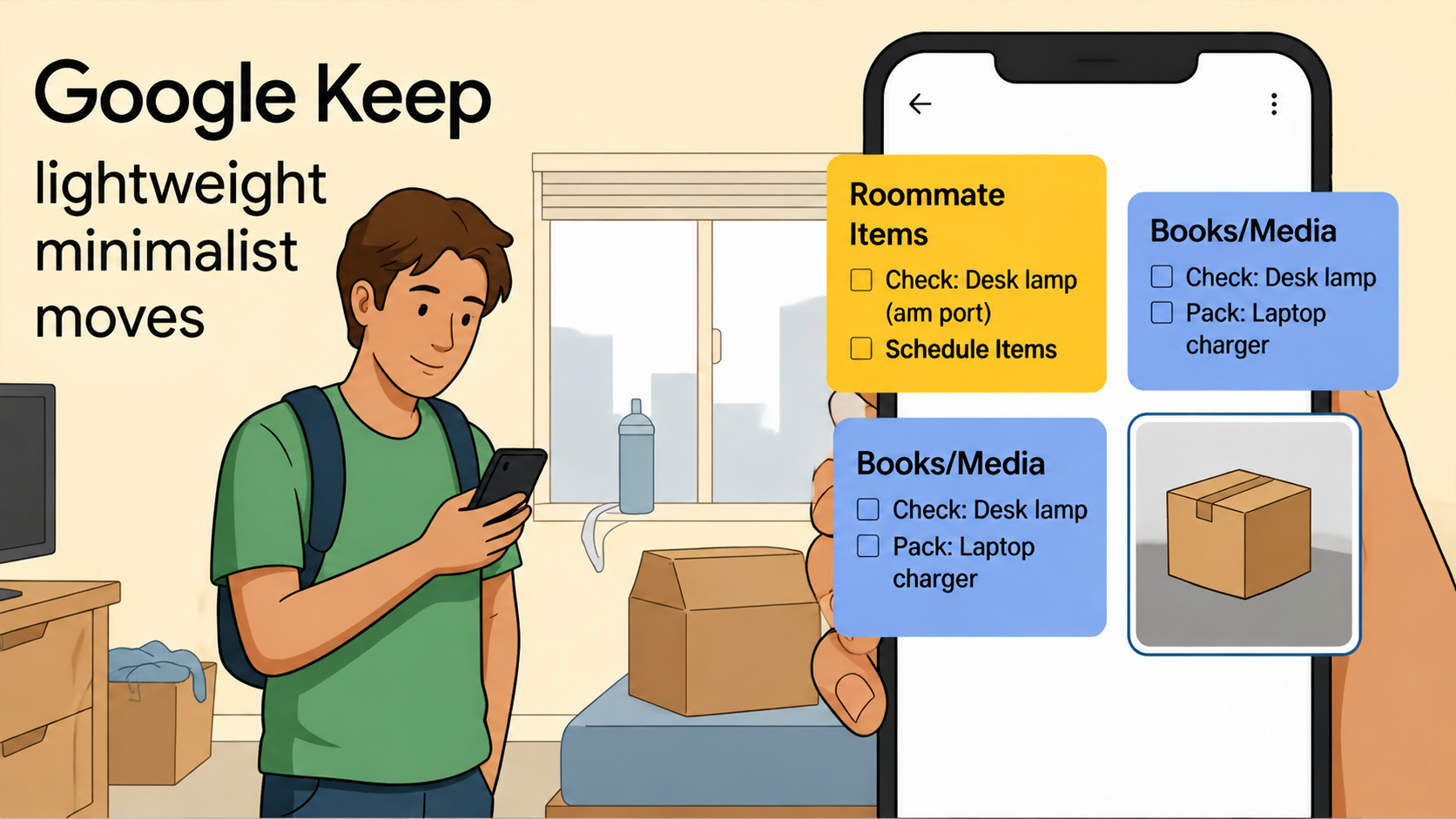
Not everyone needs a dedicated inventory system. For smaller moves, apartments, or minimalists, Google Keep offers a surprisingly effective alternative.
Instead of complex databases, you can create color-coded notes for each room, attach photos of box contents, and share lists with family members or roommates. Its real strength is simplicity—everything syncs instantly and requires almost no learning curve.
During a move, this can be more valuable than advanced features, especially when time is limited.
Extremely fast and simple
Free and widely accessible
Excellent syncing across devices
Easy sharing with others
No QR codes or structured inventory system
Not ideal for large households
Requires manual organization
Small apartments, student moves, or users who prefer minimal digital tools.
Each of these apps solves a slightly different problem, and the best choice depends on your situation:
Encircle → Best for detailed, long-term inventory and insurance documentation
Sortly → Best for visual box tracking and QR-based organization
MoveAdvisor → Best for full moving planning and logistics management
Google Keep → Best for simple, fast, low-effort organization
In many real-world moves, people actually combine two tools—for example, Sortly for box tracking and Google Keep for task lists.
Even the best app won’t help if it’s used too late or inconsistently. Here are a few practical habits that make a big difference:
Begin logging items at least one to two weeks before packing. This helps reduce last-minute chaos.
Whether you use QR codes or manual notes, stick to one labeling system across all rooms.
A quick photo of each room before boxes are sealed can save hours of confusion later.
It’s easy to spend too much time categorizing minor objects. Focus on furniture, electronics, and high-use items first.
Moving will never be completely stress-free, but it doesn’t have to feel disorganized or overwhelming. The right app can significantly reduce uncertainty by giving you a clear map of what you own and where everything is stored.
For most users, Sortly provides the best balance between usability and structure. However, if you want a more serious, long-term record of your belongings, Encircle is the strongest choice. MoveAdvisor helps you manage the logistics of the move itself, while Google Keep remains a surprisingly effective tool for lightweight organization.
The key takeaway is simple: you don’t need perfect organization—you just need consistent organization. Once your system is in place, the entire moving process becomes far more manageable, predictable, and even a little less stressful.