
Project timelines are hard enough to manage on a large monitor. Shrink that Gantt chart down to a six-inch phone screen, and things can get messy in a hurry. That's why so many project management apps give up on timelines altogether, replacing them with simple task lists or Kanban boards that are easier to display—but far less useful when you're trying to understand how an entire project fits together.
The reality is that project managers don't always have the luxury of waiting until they're back at a desk. Deadlines shift, dependencies change, and team members need answers while you're on the move. The best mobile project management apps recognize that. Rather than treating the phone as a second-class experience, they make it possible to review schedules, adjust timelines, and keep projects moving from wherever you happen to be.
Here are the apps that do the best job of bringing Gantt-style planning to mobile devices without turning every update into an exercise in frustration.
OS Availability: iOS / Android
Asana has grown well beyond its task management roots, and its mobile app reflects that evolution. While it's still designed primarily for quick updates, it does an impressive job of keeping larger project timelines within easy reach.
Where It Shines
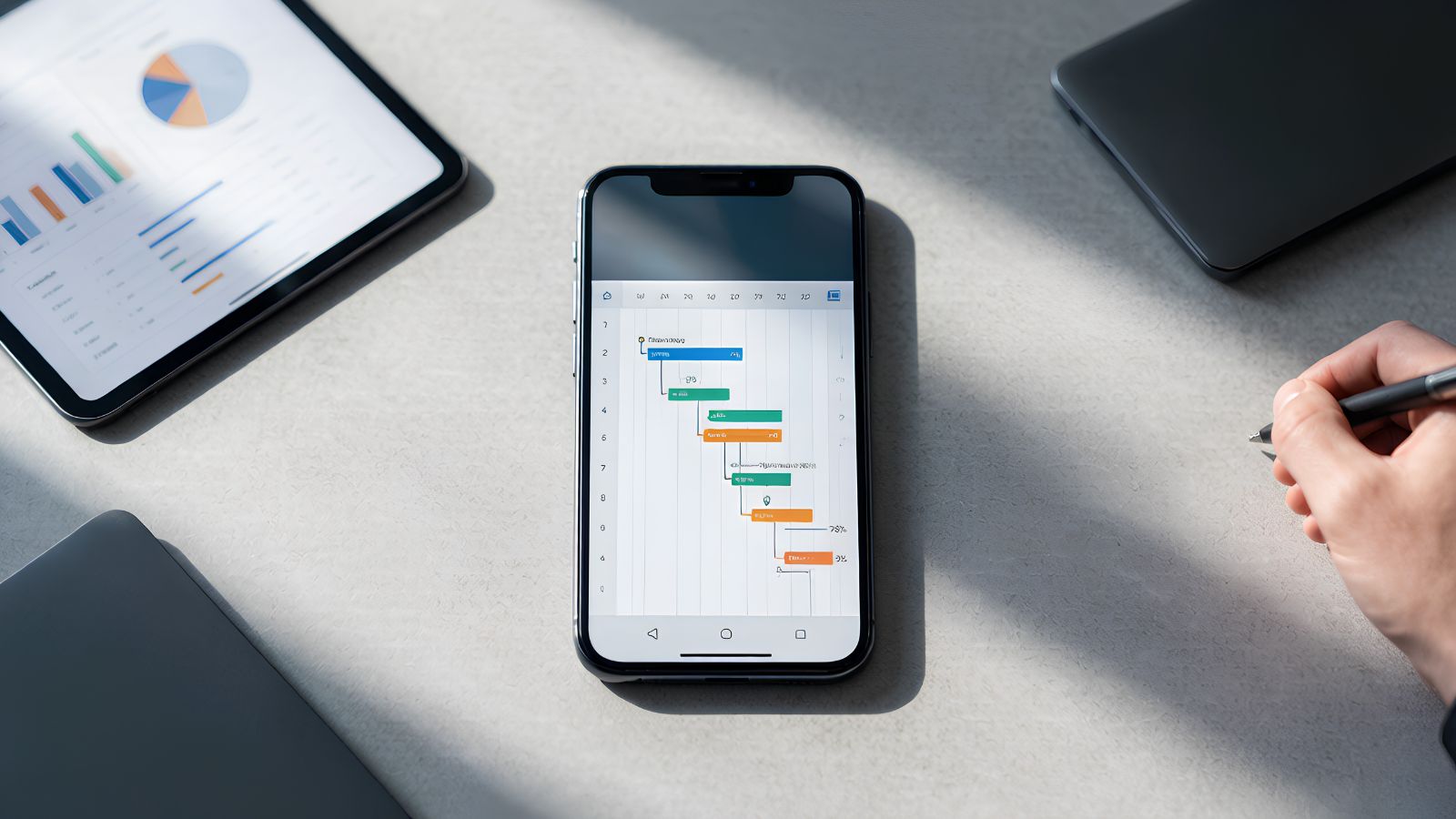
The mobile app works particularly well alongside Asana's desktop Timeline view. You won't be building complicated dependency chains from your phone, but you can easily review schedules, see how tasks overlap, and understand the impact of changing deadlines without opening a laptop. For managers who mainly need visibility while they're away from the office, that's often more valuable than full editing capabilities.
Pricing: Free Basic plan; Timeline and advanced automation require a paid subscription.
Pros:
Clean interface that's easy to navigate on smaller screens.
Real-time updates keep project changes synchronized across the team.
Excellent integrations with popular workplace tools.
A Few Things to Know
Creating or heavily restructuring Gantt charts is still much more comfortable on the desktop version.
OS Availability: iOS / Android
Monday.com has always leaned into visual project management, and that philosophy carries over surprisingly well to mobile. The interface feels like it was designed for touch instead of simply squeezed onto a smaller screen.
Where It Shines
Its Timeline View is one of the easiest mobile scheduling tools to work with. Dragging task bars to adjust dates feels natural, and color-coded projects make it easy to understand what's happening with a quick glance. If you're updating schedules throughout the day rather than just reviewing them, Monday.com offers one of the smoothest mobile experiences available.
Pricing: Free for up to two users; Timeline and Gantt views require a paid plan.
Pros:
Clear, highly visual project layouts.
Touch-friendly timeline adjustments.
Flexible customization for workflows and project boards.
A Few Things to Know
The platform offers so many features that new users may need a little time before everything starts to feel intuitive.
OS Availability: iOS / Android
Wrike is built with large projects in mind, and that focus shows throughout its mobile experience. It prioritizes visibility, reporting, and keeping everyone working from the same project data.
Where It Shines
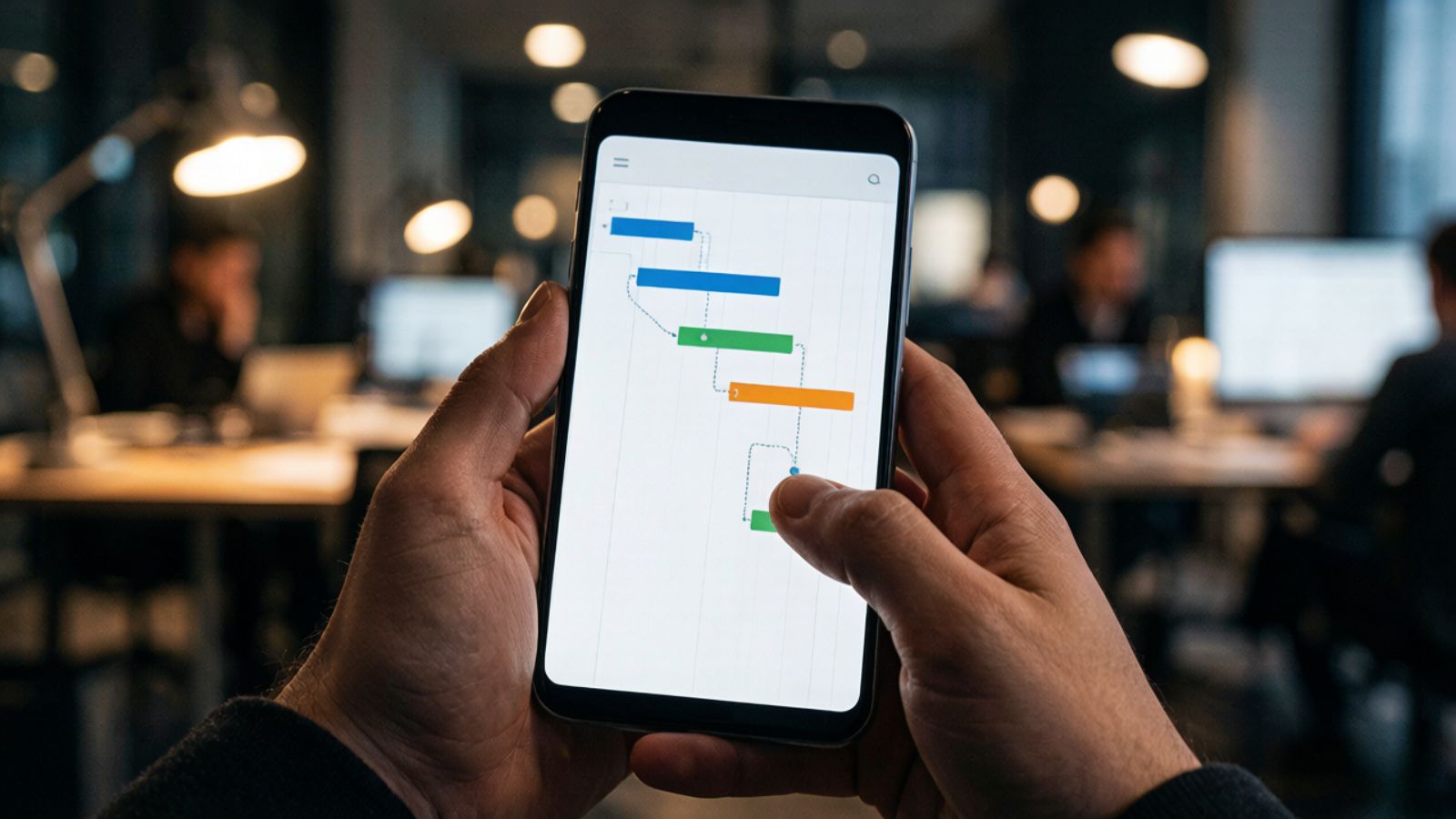
Although smartphones naturally emphasize lists over full Gantt charts, Wrike still gives project managers access to milestones, dependencies, and critical schedule information without requiring a desktop. On tablets, the interactive Gantt experience becomes even stronger, making it one of the closest mobile alternatives to working on a computer.
Pricing: Free plan available; advanced project management features require a subscription.
Pros:
Detailed reporting and project health insights.
Reliable offline mode with automatic syncing.
Handles large, complex projects without slowing down.
A Few Things to Know
On smaller phones, the amount of available information can feel a bit dense compared with lighter project management tools.
OS Availability: iOS / Android
ClickUp has a reputation for trying to do everything in one place, and remarkably, much of that functionality carries over to its mobile app.
Where It Shines
Unlike many competitors that treat mobile as a place to check progress, ClickUp allows you to make meaningful scheduling changes directly from your phone. Its Gantt View supports dependency management and timeline adjustments without sending you back to your desktop every time priorities shift. If you're frequently managing projects while traveling or moving between meetings, that flexibility can be a real advantage.
Pricing: Free Forever plan available; advanced functionality requires a paid subscription.
Pros:
One of the most capable mobile Gantt experiences available.
Supports dependency editing on mobile.
Responsive performance despite its extensive feature set.
A Few Things to Know
With so many tools packed into one app, the interface can feel overwhelming until you've spent some time learning where everything lives.
OS Availability: Web / Android
Some platforms try to be everything at once. TeamGantt doesn't. It focuses almost entirely on Gantt-based project planning, and that narrow focus is exactly what many teams appreciate.
Where It Shines
The mobile app serves as a practical companion to the desktop experience. While most large-scale planning still happens on the web, it's easy to review timelines, update task progress, assign work, and respond to schedule changes when you're away from your desk. Everything feels purpose-built for teams that organize projects around Gantt charts rather than switching constantly between different planning methods.
Pricing: Free companion app; full functionality requires a TeamGantt subscription.

Pros:
Clean, intuitive interface built around Gantt charts.
Focused feature set without unnecessary distractions.
Excellent for teams that rely heavily on timeline-based planning.
A Few Things to Know
If your team also wants built-in chat, collaborative documents, or whiteboards, you'll need to pair TeamGantt with other tools.
The best mobile Gantt app depends less on features and more on how your team manages projects day to day.
If you need the flexibility to adjust dependencies and manage complex schedules directly from your phone, ClickUp offers one of the most capable mobile experiences available.
If visual planning is your priority and you want an interface that's easy to navigate during a busy workday, Monday.com strikes an excellent balance between functionality and usability.
And if your team lives almost entirely inside Gantt charts, TeamGantt keeps things refreshingly focused. It skips the extra collaboration tools and concentrates on helping you build and manage project timelines well.
One last thing to consider: no mobile app completely replaces a desktop for large-scale project planning, and that's okay. The best ones aren't trying to. Their job is to help you review schedules, respond to changes quickly, and keep projects moving forward—without forcing you to wait until you're back at your desk.