
Every friend group has one.
The person who pays for the Airbnb, tracks everyone's restaurant tabs, remembers who covered the gas, and somehow ends up maintaining a spreadsheet that looks like a corporate expense report.
Maybe that's you.
And if it is, you already know how quickly group expenses can become messy. A weekend trip starts with good intentions, then suddenly there are shared groceries, ride shares, museum tickets, late-night food runs, and a dozen Venmo requests flying around in different group chats.
By the end, nobody knows who owes what.
The awkward part isn't usually the money—it's the math.
Fortunately, there are now apps built specifically for this problem. Whether you're organizing a month-long backpacking adventure, managing household expenses with roommates, or just trying to survive a group dinner without arguing over the bill, there's a tool that can save everyone a headache.
Here are the ones that stand out in 2026.
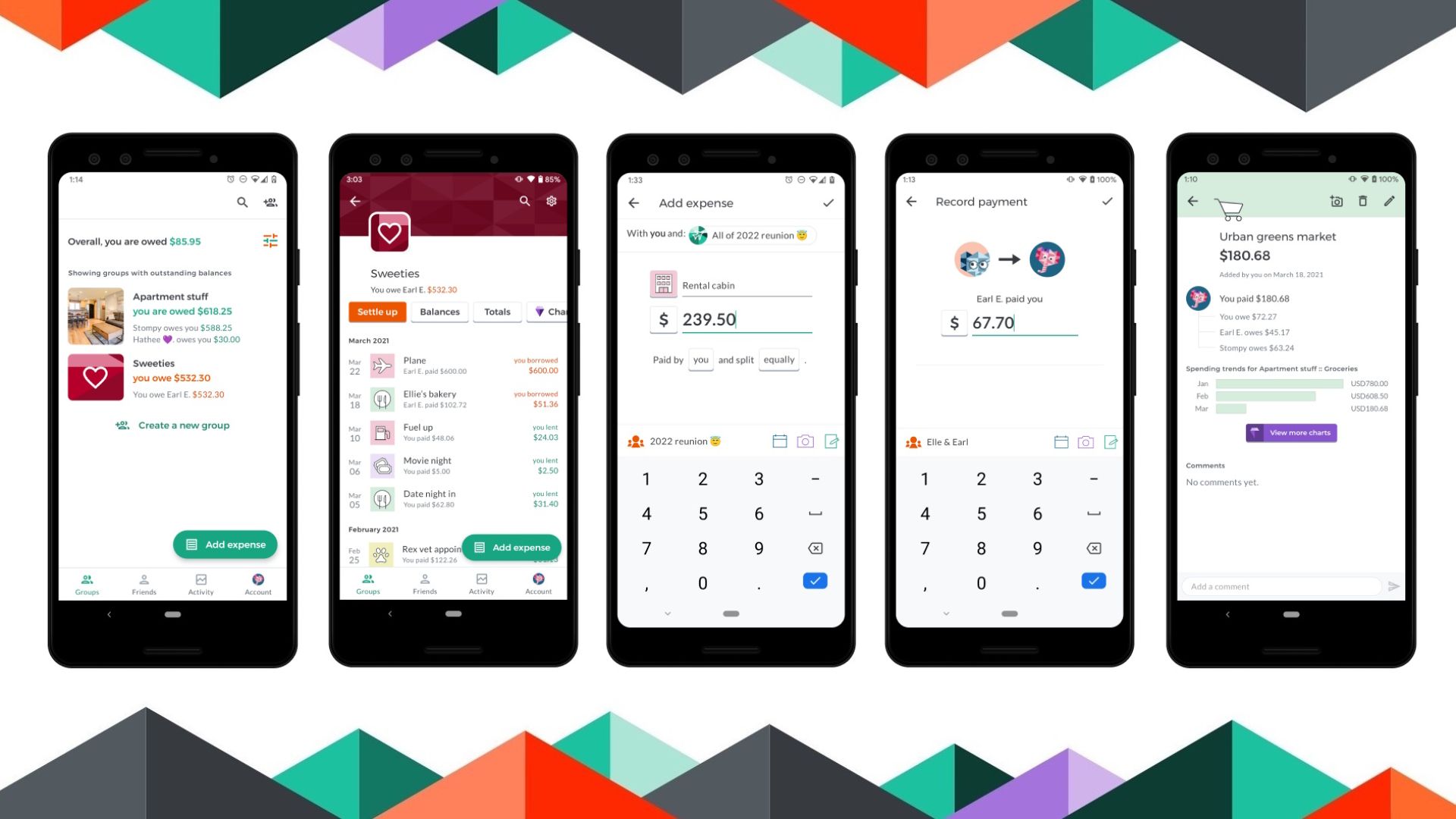
If most expense-sharing apps fall somewhere between "too basic" and "way too complicated," Splid lands right in the middle.
That's what makes it so good.
The app gives you plenty of flexibility without burying you under settings, tutorials, and account requirements.
You don't need to create an account.
Seriously.
Open the app, create a group, share a link, and start adding expenses. That's it.
This simplicity becomes especially valuable when traveling with people who don't want to download another app, create another password, and verify another email address just to split lunch.
Splid also handles multiple currencies exceptionally well, making it a favorite among international travelers.
No sign-up required
Works offline
Excellent support for multiple currencies
Generates detailed PDF and Excel reports
Fast setup for temporary groups
It's designed primarily for trips and short-term events. If you're sharing rent and utilities with roommates year-round, there are stronger options.
The design is practical rather than polished, but most users won't care once they see how smoothly it works.
Finding a genuinely useful free app has become surprisingly difficult.
That's part of what makes Tricount refreshing.
No constant upgrade prompts. No hidden restrictions waiting around the corner. No feeling that you're using a trial version disguised as a free product.
Tricount focuses on one thing: making expense sharing fair and easy.
Whether costs should be split evenly, divided by percentage, or assigned to specific people, the app handles the calculations automatically.
The best feature might be the settlement summary.
Instead of creating a tangled web of payments, Tricount simplifies everything and tells the group the quickest way to settle up with the fewest transactions possible.
Fewer transfers. Less confusion.
Completely free
No ads
Flexible expense-splitting options
Excellent debt simplification
Works offline
Most expenses need to be entered manually. If you're looking for advanced receipt scanning or automated expense recognition, you'll find those features elsewhere.
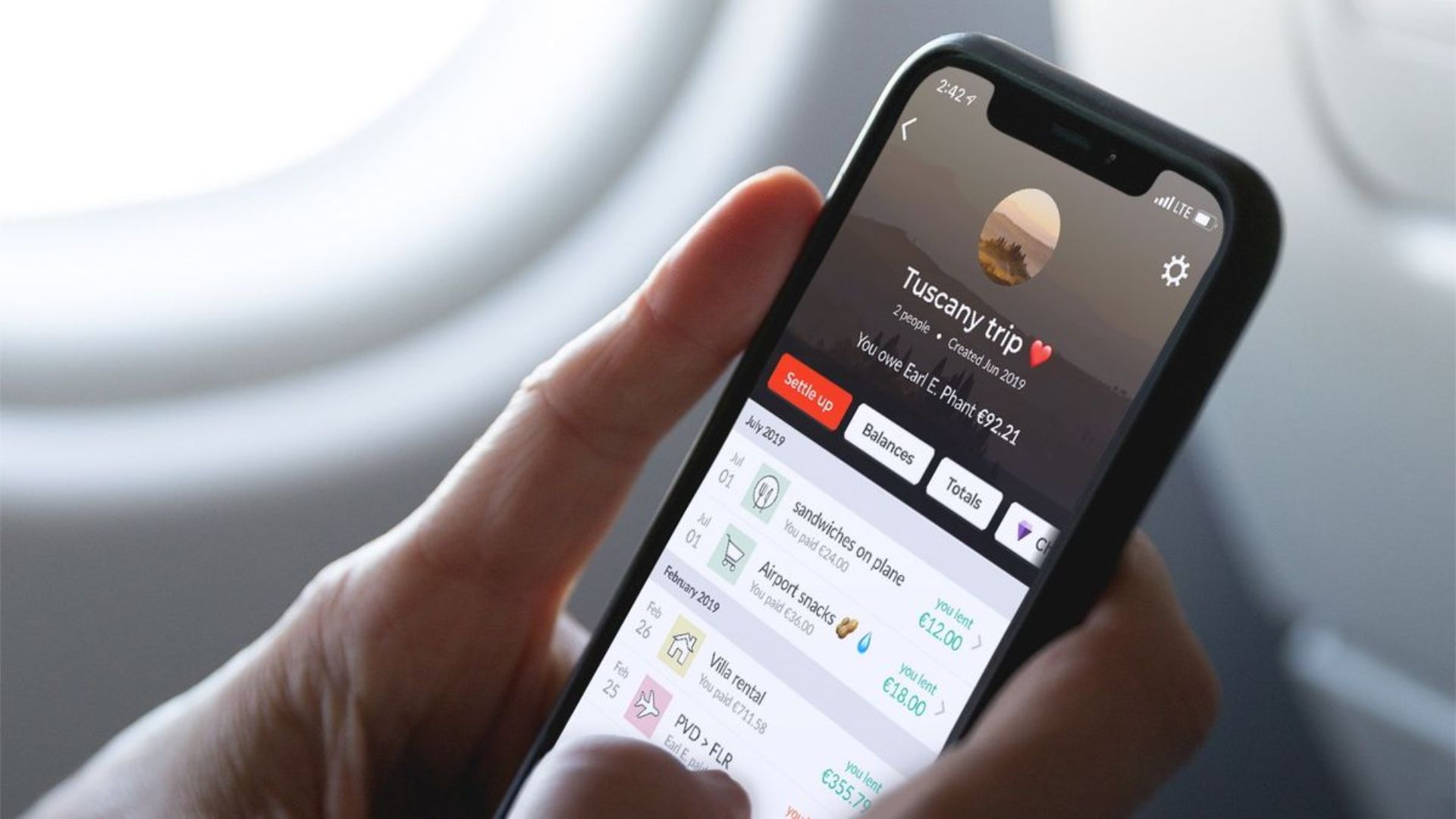
Ask people to name an expense-sharing app, and Splitwise is probably the first one they'll mention.
It's been around for years, and there's a reason it has survived while countless competitors have come and gone.
It works.
Splitwise excels at ongoing relationships.
Roommates. Couples. Friends who travel together regularly. Groups that share expenses over weeks or months instead of a single evening.
Rather than treating every event as a separate project, Splitwise keeps a running ledger so everyone always knows where things stand.
That's incredibly useful when expenses are recurring and balances constantly shift.
Huge existing user base
Excellent for recurring expenses
Strong notification system
Detailed categorization and reporting tools
Built for long-term expense tracking
The free version feels much more restrictive than it once did.
For occasional use, that's not a deal-breaker. But power users may find themselves bumping into limits and eventually upgrading to the paid plan.
The interface also feels a bit dated compared with newer competitors.
Let's be honest.
Most group-bill drama happens at restaurants.
Someone ordered appetizers for the table. Someone skipped alcohol entirely. Someone had one taco while another person treated the menu like a personal challenge.
Then someone suggests splitting the bill evenly.
Chaos.
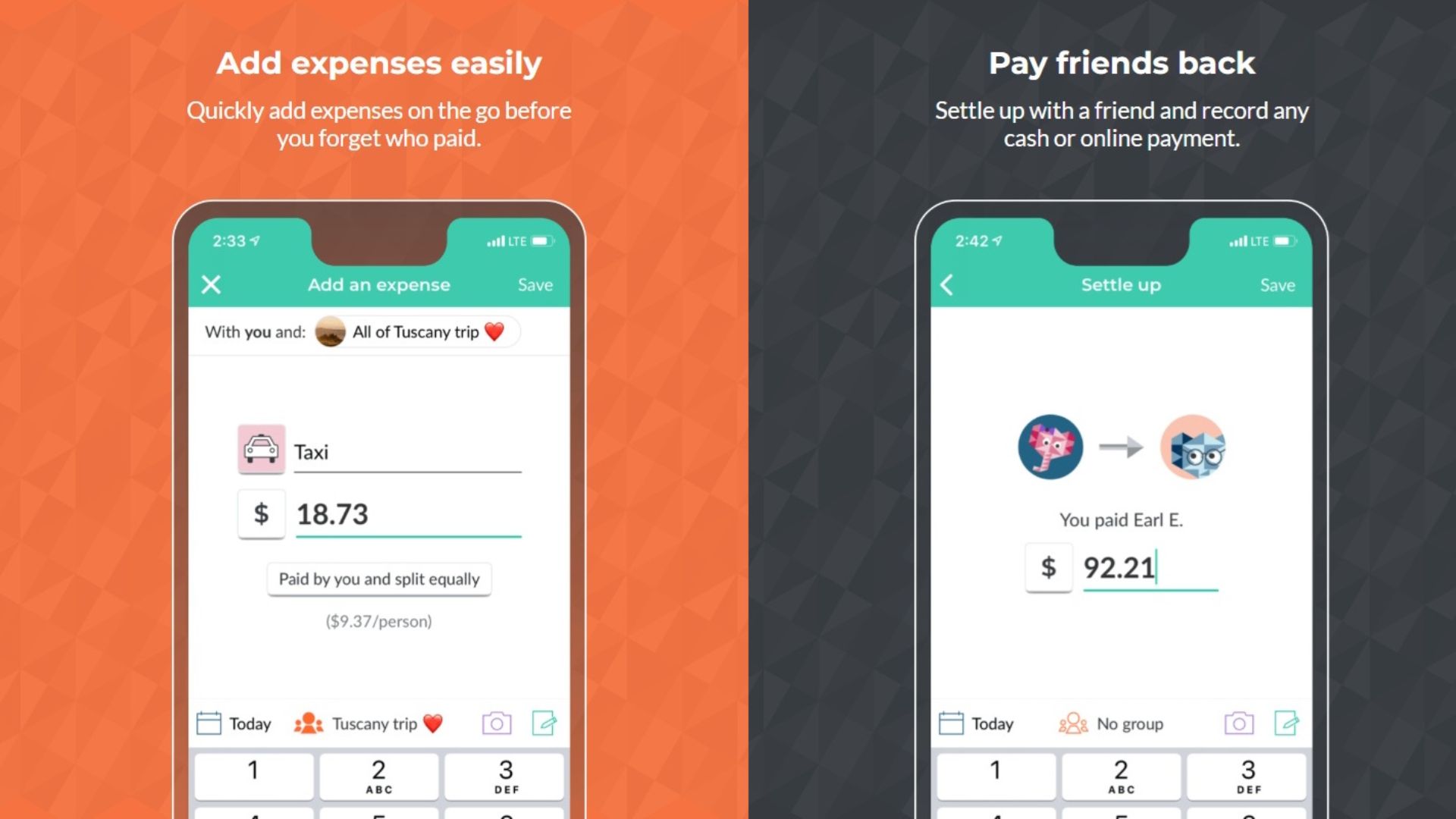
Tab was built specifically for moments like these.
Instead of manually calculating who owes what, you simply scan the receipt.
The app reads each item, lets people claim what they ordered, and automatically calculates taxes and tips based on their share.
It's surprisingly accurate—and surprisingly effective at avoiding those awkward conversations that happen when one person ends up subsidizing everyone else's cocktails.
Excellent receipt scanning
Makes itemized bill splitting effortless
Handles tax and tip calculations automatically
Removes most restaurant-payment friction
Tab isn't trying to be an all-purpose expense tracker.
It's a specialist.
For travel, roommate expenses, or ongoing group finances, you'll probably want to pair it with another app.
The answer depends on where the frustration is coming from.
Planning a trip with friends? Go with Splid. It's lightweight, fast, works offline, and handles foreign currencies without breaking a sweat.
Sharing expenses with roommates or housemates? Splitwise is still the strongest long-term solution, especially if your group tracks expenses regularly.
Trying to survive complicated restaurant bills? Tab is the clear winner. Scan the receipt, claim your items, and move on with your evening.
Want a completely free option that doesn't bombard you with ads or upgrade prompts? Tricount is hard to beat.
At the end of the day, the best expense-sharing app isn't the one with the longest feature list.
It's the one that prevents that awkward text three weeks later:
"Hey... I think you still owe me $17.42 from the trip."
Because nobody wants to spend more time managing group expenses than making the memories that created them.