
Almost everyone has experienced it. You've spent weeks dealing with a flare-up, strange symptoms, or nagging discomfort. You rehearse everything you want to tell your specialist on the drive over. Then the appointment starts, your doctor asks, "What's been happening?"—and suddenly your mind is blank. Instead of giving a clear picture, you end up saying something like, "It's just been worse lately."
That's frustrating for you, and it doesn't give your doctor much to work with.
The goal isn't to diagnose yourself. It's to keep a reliable record. A good symptom tracker helps you replace vague memories with a timeline of what actually happened—when symptoms appeared, how severe they were, what you were doing beforehand, whether medication helped, and how things changed over time. By the time you export a report before your appointment, you're handing your specialist something far more useful than a rough recollection: real patterns backed by consistent data.
Here are five symptom tracking apps that stand out for their ease of use, privacy, and—most importantly—the quality of the reports you can actually bring into the exam room.
OS Availability: iOS / Android
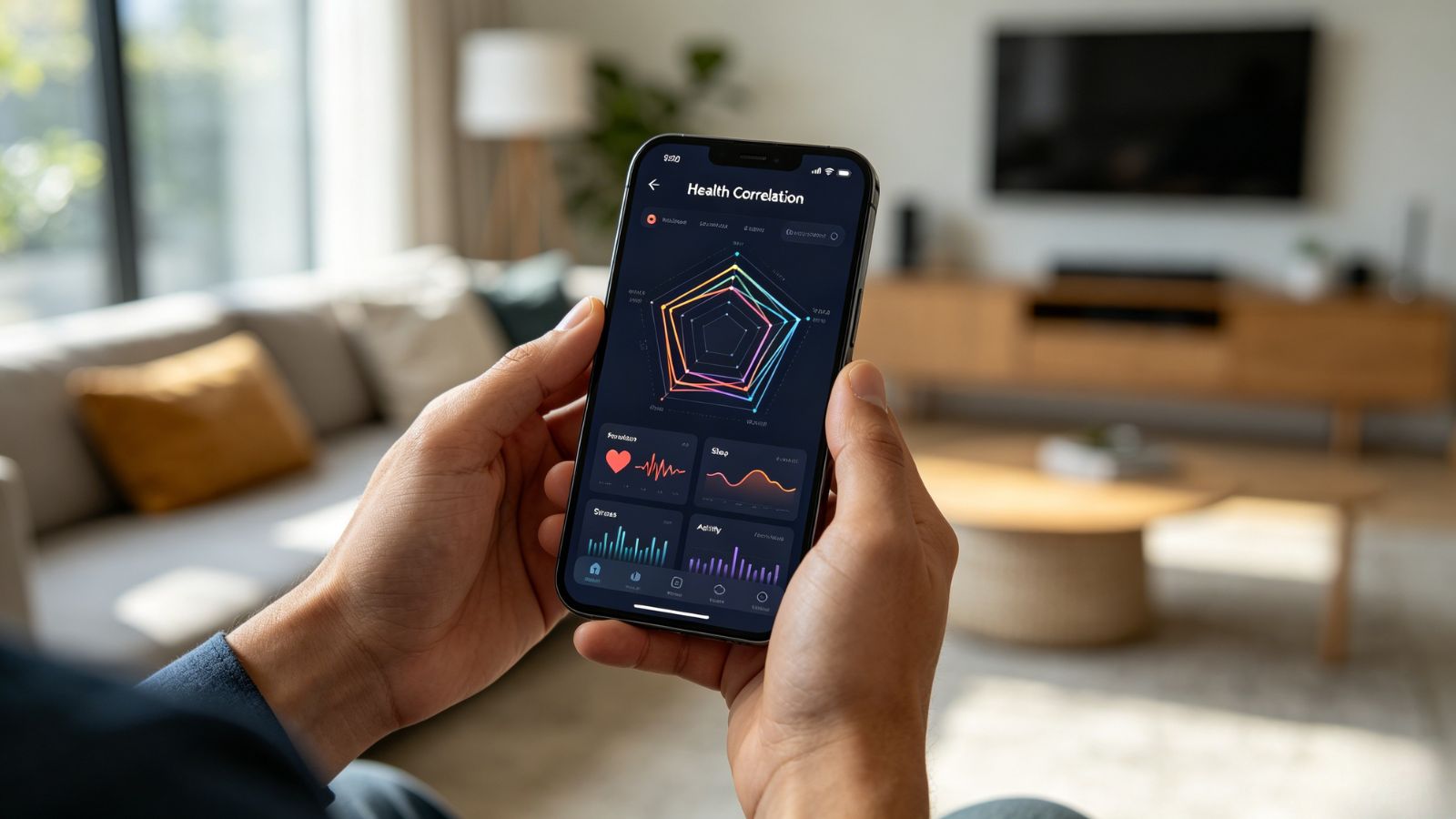
Bearable has earned a loyal following because it looks beyond symptoms themselves. Instead of simply recording how you feel, it helps connect the dots between your daily habits and the way your body responds.
Where It Shines
The standout feature is its Correlation Analysis. Over time, Bearable highlights trends you might never notice on your own—for example, whether poor sleep consistently precedes migraines, or whether stress tends to trigger fatigue. The reports are clean, visual, and easy to export, making them especially useful for appointments with specialists such as neurologists or rheumatologists.
Pricing: Free version available; subscription required for advanced insights and long-term trend analysis.
Pros:
Extremely customizable—you can track everything from mood and medications to digestion and energy levels.
Clear charts make it easy to spot recurring patterns.
Strong focus on privacy with encrypted data storage.
A Few Things to Know
The flexibility is a double-edged sword. Because you can track almost anything, setting everything up takes a little patience at the beginning.
OS Availability: iOS / Android
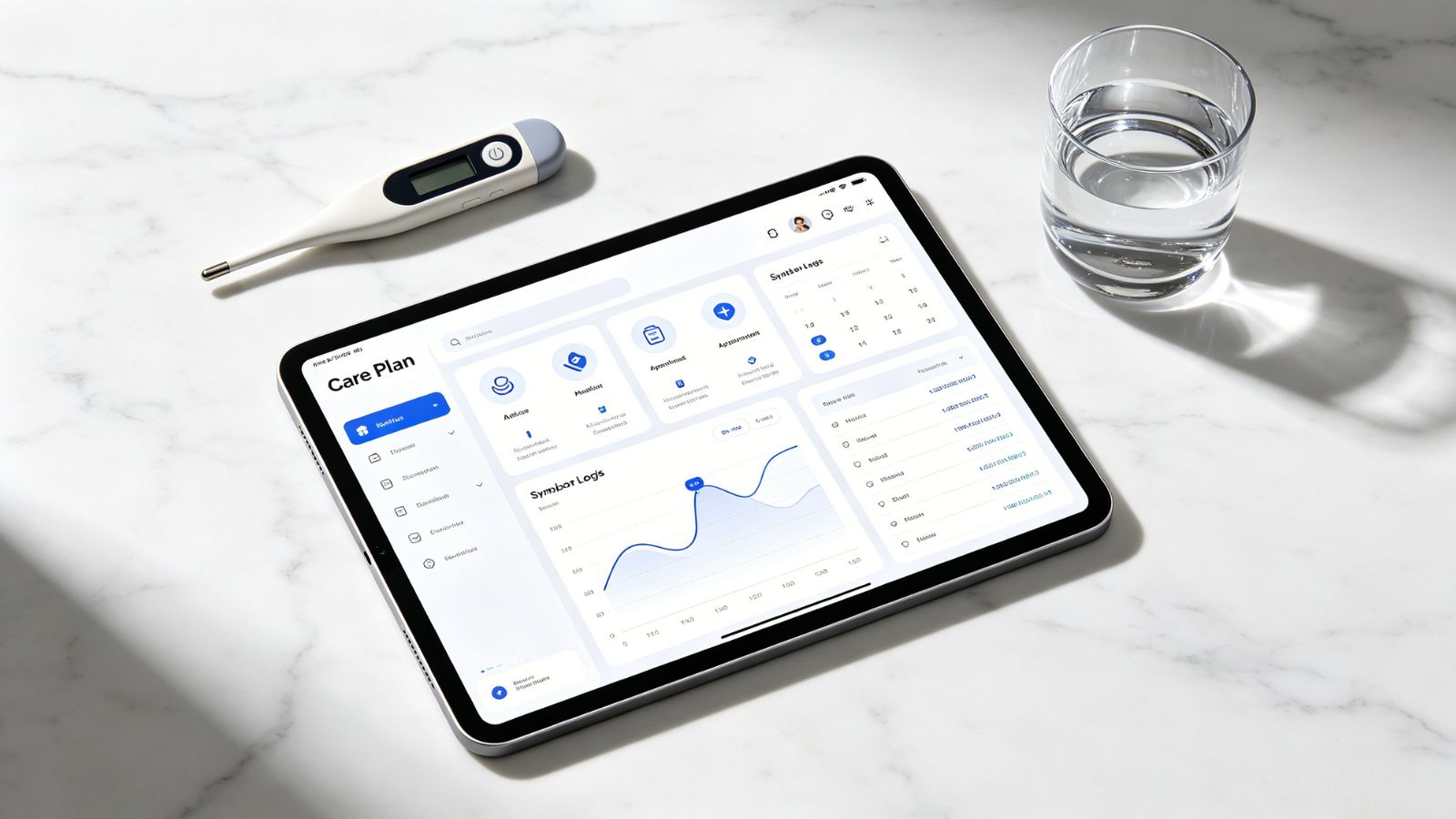
If you're juggling medications, appointments, symptoms, and lifestyle changes all at once, CareClinic brings everything together in a single place. It's less of a symptom tracker and more of a complete health management hub.
Where It Shines
Its Integrated Care Plan ties symptoms, medications, treatment schedules, nutrition, and appointments into one timeline. That bigger picture becomes especially valuable if you're managing multiple health conditions or working with several specialists.
Pricing: Free version available; subscription unlocks advanced features and extended history.
Pros:
Tracks medications, sleep, activity, nutrition, vitals, and symptoms together.
Generates reports that are easy to share before appointments.
Particularly useful for long-term conditions such as IBS, migraines, or POTS.
A Few Things to Know
If all you need is a quick place to record one symptom, CareClinic may feel like more app than you actually need.
OS Availability: iOS / Android
Not everyone wants to manage dozens of charts and metrics. OpenCare keeps things refreshingly simple, making it a great choice if you prefer a clean, straightforward experience.
Where It Shines
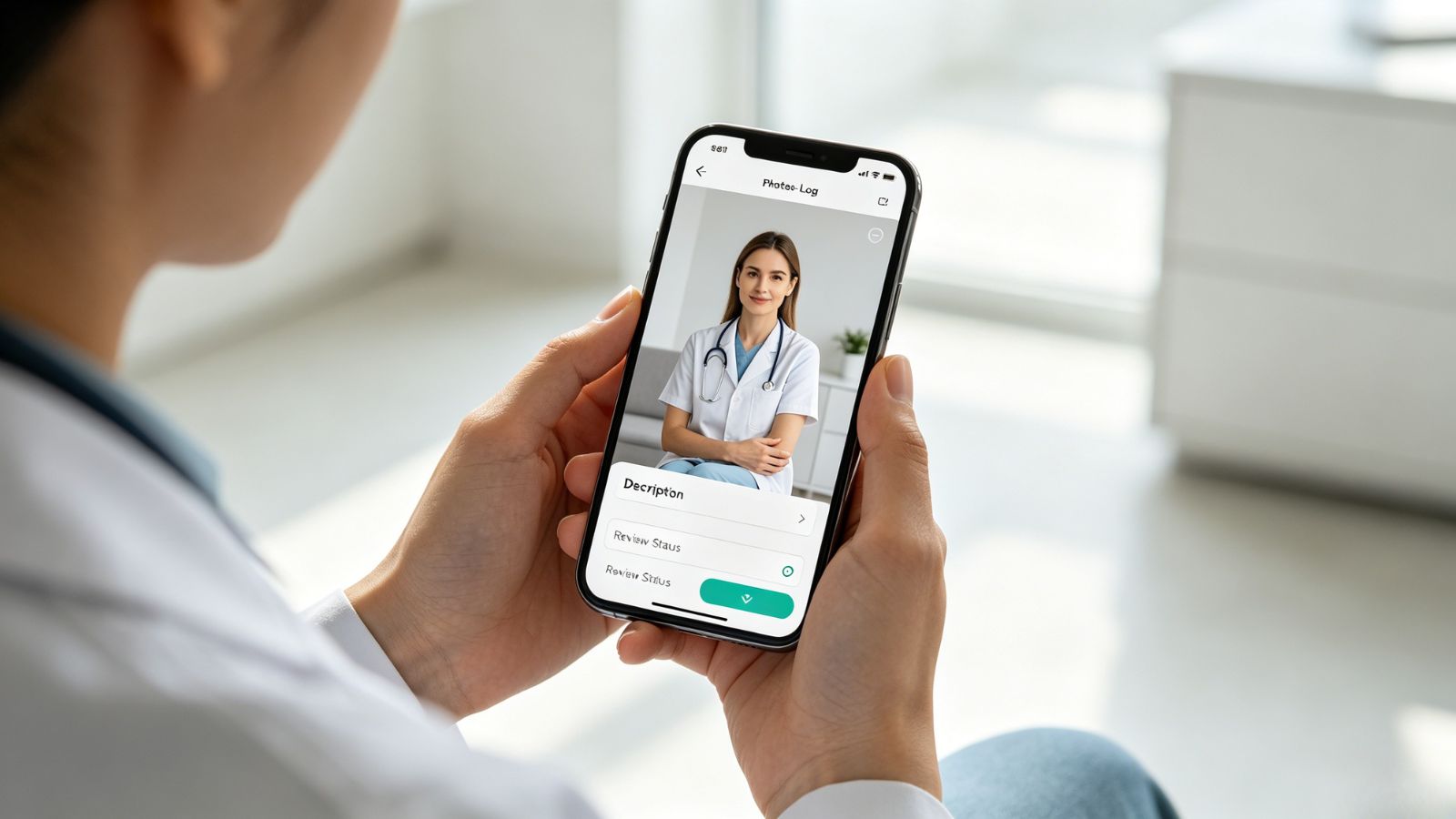
One feature immediately stands out: Photo-Based Symptom Tracking. Whether you're monitoring a skin condition, swelling, bruising, or a healing injury, adding photos alongside your daily notes creates a visual timeline that's often much more informative than trying to describe changes from memory.
Pricing: Free version available; Plus subscription unlocks advanced analytics and reporting.
Pros:
Simple, intuitive interface.
Excellent for documenting visible symptoms.
Professional-looking reports with clear trend summaries.
A Few Things to Know
Compared with apps like Bearable, OpenCare focuses more on simplicity than deep data analysis.
OS Availability: iOS
Some chronic conditions don't fit neatly into a few daily checkboxes. Symptom Tracker+ is designed for people who need more detailed records over months—or even years.
Where It Shines
Its Body Mapping and Biomarker Tracking tools make it much easier to describe exactly where symptoms occur and how they change. Rather than telling your doctor, "My back hurts," you can document where the pain starts, how it spreads, and whether that pattern changes over time.
Pricing: Free with optional in-app purchases for advanced analysis.
Pros:
Detailed body maps for tracking pain and physical symptoms.
Supports biomarkers and lab results alongside symptom logs.
Regular updates keep the app current and secure.
A Few Things to Know
There's a learning curve. The app offers a lot of depth, but it takes a little time to get comfortable with everything it can do.
OS Availability: iOS / Android
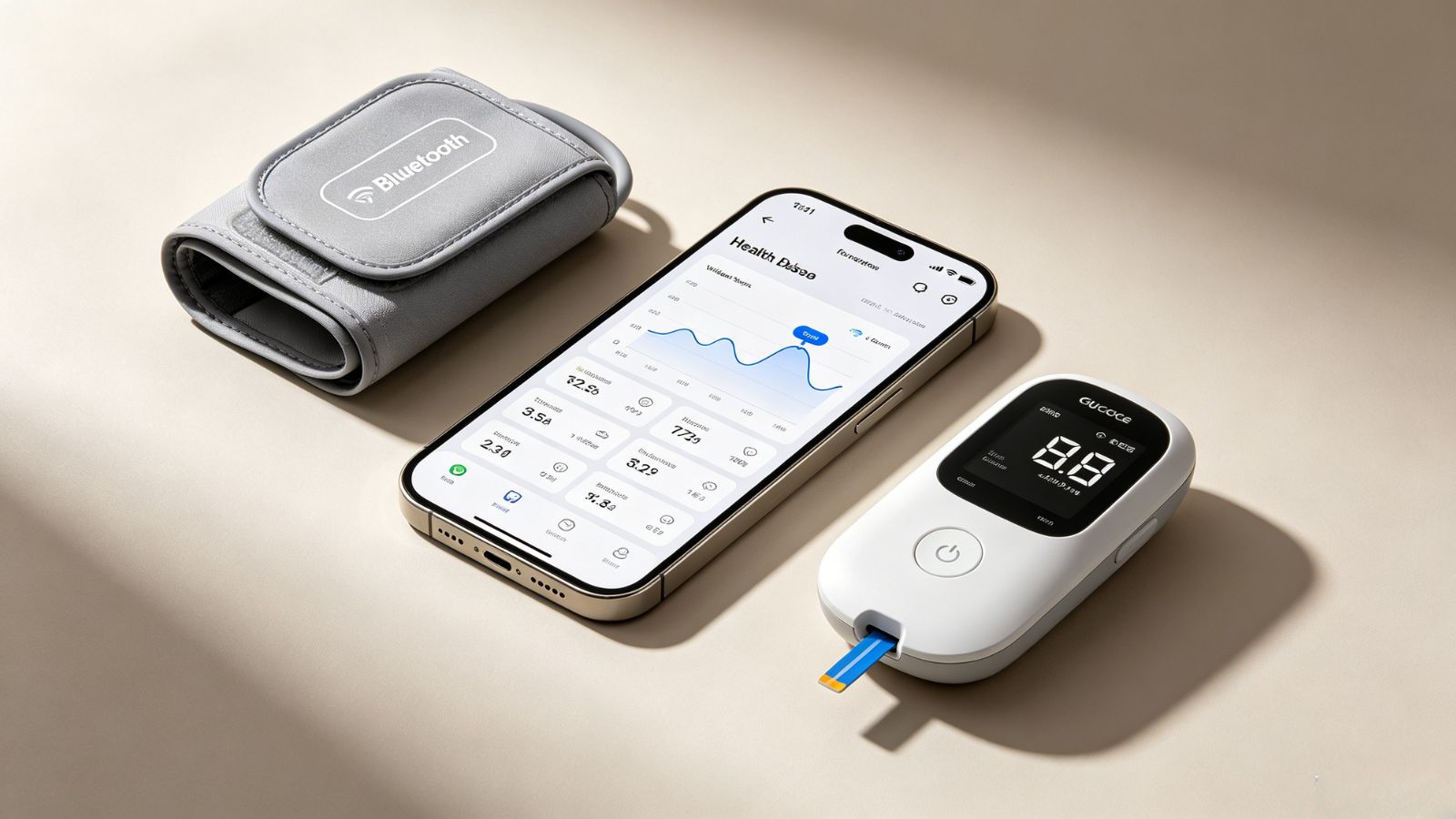
If you already use connected health devices, MedM can save you a surprising amount of time. Instead of entering measurements manually, it pulls much of the information in automatically.
Where It Shines
The biggest advantage is Automatic Data Collection. The app works with hundreds of Bluetooth-enabled health devices, including blood pressure monitors, glucose meters, pulse oximeters, and smart scales. Your readings flow directly into your health diary, giving you a more complete picture with much less effort.
Pricing: Free for basic tracking; Premium adds cloud backup and expanded sharing options.
Pros:
Excellent compatibility with a wide range of medical devices.
Manual entry remains available if you don't use smart devices.
Reliable for long-term health monitoring.
A Few Things to Know
The interface prioritizes function over appearance. It isn't the flashiest app on the list, but it's dependable.
The right app really comes down to what you're trying to accomplish.
If you're managing a chronic condition and want to understand what might be triggering your symptoms, Bearable offers some of the strongest pattern analysis available.
If you need one place to organize medications, appointments, treatments, and symptom logs, CareClinic is the most comprehensive option.
And if your condition is something your doctor needs to see—whether that's a rash, swelling, or another visible change—OpenCare keeps documentation simple while creating reports that are easy to review during an appointment.
One last suggestion: don't wait until you're sitting in the waiting room to pull everything together. Export your report the night before, email it to yourself, or print a copy. A specialist can scan a well-organized timeline in minutes, and that often leads to a far more focused conversation than trying to reconstruct weeks of symptoms from memory.