
Modern writing rarely happens in a calm environment. Notifications, crowded browser tabs, and feature-heavy word processors constantly compete for attention, turning even simple drafting into a stop-start process. For journalists, professional writers, and content creators, the software they use can either support concentration or quietly undermine it. Traditional tools such as Microsoft Word and Google Docs are powerful, but their dense interfaces often invite formatting tweaks and layout adjustments long before the writing itself is finished.
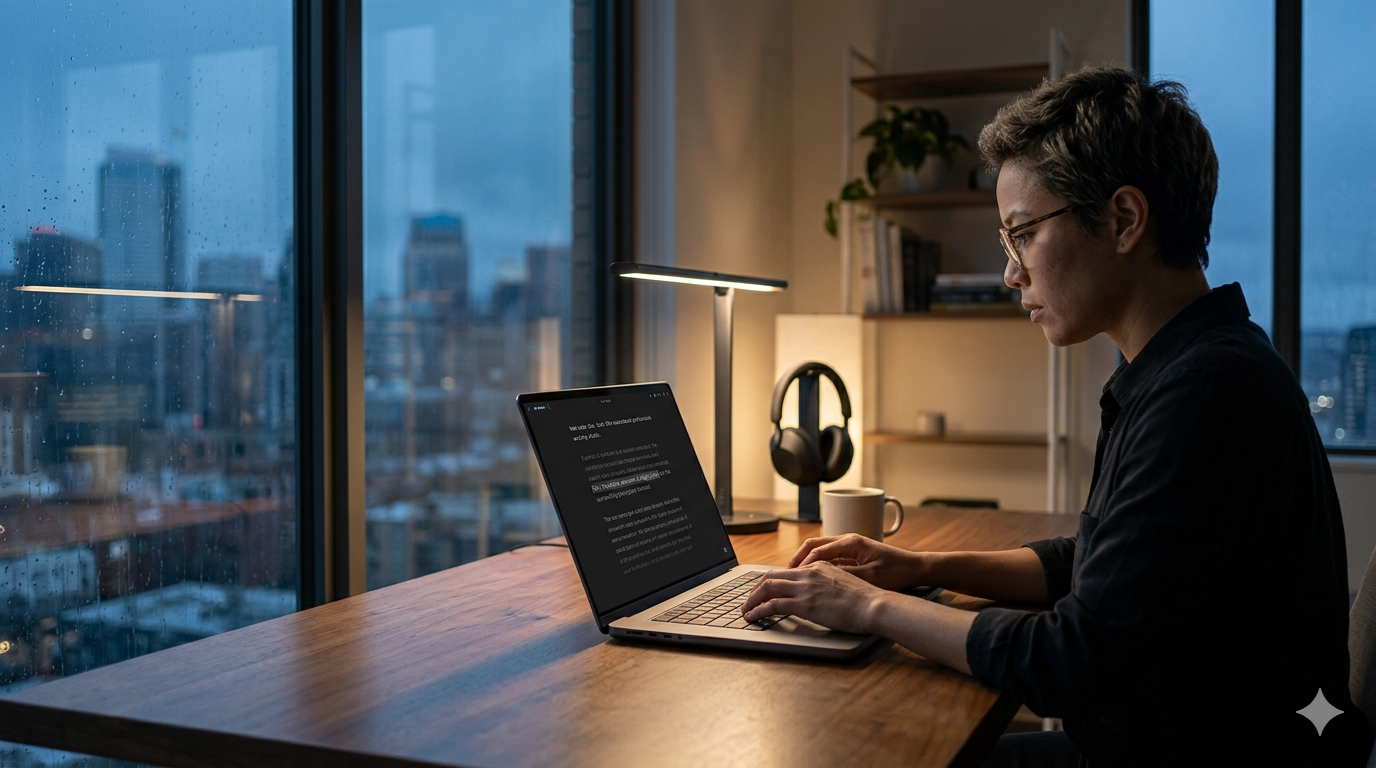
That is exactly why minimalist text editors continue to appeal to serious writers. By stripping away visual clutter—toolbars, floating panels, and nonessential controls—they create a cleaner space for drafting and revision. To evaluate which options are genuinely useful for professional work in 2026, this review focused on three practical standards:
Focus mechanics: how effectively the interface recedes once writing begins
Formatting friction: whether Markdown and plain-text workflows remain quick and unobtrusive
Export and publishing workflow: whether the app can reliably export to formats such as PDF, HTML, or DOCX, or sync cleanly across devices
After extended testing across iOS, macOS, and desktop environments, several editors stood out more clearly than the rest.
Few apps have shaped the minimalist writing category as much as iA Writer. Rather than simply hiding menus, it actively reduces visual distraction and keeps attention fixed on the current line of thought.
iA Writer’s signature Focus Mode remains its strongest advantage. During testing, it consistently narrowed attention to the sentence or paragraph currently being written by dimming the surrounding text. That simple visual cue makes a real difference during long drafting sessions, especially for writers who tend to reread and self-edit too early.
Another notable feature is Authorship Tracking. Text entered directly in the app appears normally, while pasted content can be visually distinguished with a different highlight. In a workflow where AI-generated material, research snippets, and original writing often coexist, that distinction can be genuinely useful for keeping track of what came from where.
Exceptional focus tools: Sentence- and paragraph-level focus modes create one of the most disciplined writing environments available.
Helpful syntax analysis: Optional highlighting for parts of speech can reveal repetitive wording, overuse of adjectives, or structural imbalance in a draft.
True plain-text workflow: Files are stored as Markdown rather than in a locked proprietary format, which keeps them portable and easy to archive.
Separate purchases by platform: Writers moving between macOS, Windows, and iOS need to buy the app more than once.
No Android support: The Android version has been discontinued, which limits flexibility for users working outside Apple and Windows ecosystems.
Pricing model: One-time purchase. $49.99 for macOS, $29.99 for Windows, and $19.99 for iOS/iPadOS. A 14-day free trial is available for desktop users.
Ulysses approaches minimalist writing from a different angle. On the surface, it offers a clean, uncluttered drafting space; underneath, it functions more like a full writing studio built for large and ongoing projects.
Its biggest strength is the way it organizes long-form work. Instead of asking writers to manage separate files in desktop folders, Ulysses stores everything inside a unified library made up of “sheets.” That structure makes it especially effective for books, serialized articles, or multi-part editorial projects, where dozens of related drafts may need to stay connected without cluttering the writing view.
The publishing workflow is another area where Ulysses performs particularly well. In testing, it handled direct exports to platforms such as WordPress, Ghost, and Medium with very little friction. Drafts could be written in Markdown, organized with headings, and pushed to publishing platforms without forcing the writer into a browser-based editor.
Strong project management for long-form writing: Its library system is well suited to novels, blog series, and other multi-document work.
Reliable Apple ecosystem sync: iCloud syncing is fast and generally seamless across Mac, iPad, and iPhone.
Solid export options for professional use: The app supports polished exports, including Word-friendly formatting for more complex documents.
Subscription-only pricing: There is no permanent purchase option, which may be a drawback for writers who prefer to own their tools outright.
Apple-only availability: Ulysses is inaccessible to anyone working on Windows or Android.
Pricing model: Subscription. $5.99 per month or $39.99 per year for access across macOS, iPadOS, and iOS.
Bear sits somewhere between a note-taking app and a distraction-free writing tool. It is particularly appealing to writers who collect fragments, outlines, research notes, and draft ideas in the same place rather than separating “writing” from “thinking.”
One of Bear’s most distinctive features is inline Markdown rendering. Instead of showing raw formatting symbols at all times, it renders headings, emphasis, and lists more naturally while still preserving a Markdown-based workflow underneath. The result feels cleaner and more polished than a traditional plain-text editor without becoming visually noisy.
Its organizational system is also unusually flexible. Rather than relying on rigid folders, Bear uses tags—including nested tags such as #articles/drafts—to sort notes and drafts. That makes it easy to capture ideas quickly and organize them later, which is particularly useful for writers juggling research, outlines, and partial drafts across multiple topics.
Polished, highly readable interface: Bear is one of the most visually refined editors in this category, with typography and themes that make long sessions comfortable.
Excellent for connected notes and research: Internal linking between notes works well for planning, outlining, and reference-heavy projects.
Broad export support: It can export to Markdown, PDF, HTML, DOCX, and image formats with little effort.
Limited free version: Syncing and several export features are locked behind the paid plan.
No collaboration tools: There is no real-time co-editing, commenting, or editor feedback system built into the app.
Pricing model: Freemium. The base app is free for single-device use. Bear Pro costs $2.99 per month or $29.99 per year and unlocks sync, themes, and advanced export features.
While it does not always appear in mainstream “minimalist editor” roundups, Typora deserves a place in this category because of how naturally it blends Markdown writing with a clean reading experience. It is less austere than iA Writer, but for many professionals that balance may actually be an advantage.
Typora’s defining trait is its live preview approach. Instead of splitting the screen between raw Markdown on one side and formatted output on the other, it turns the writing window itself into a seamless hybrid of both. Headings, lists, code blocks, tables, and emphasis are rendered inline as the writer types, which makes drafting feel more like working in a finished document than in a markup editor.
That approach is especially effective for writers producing web content, documentation, or structured long-form pieces. It reduces the need to constantly switch views just to confirm how a section will look once exported. Typora also supports a broad range of export formats and has enough theme flexibility to suit different visual preferences without overwhelming the interface.
Smooth Markdown experience: Live rendering makes Markdown feel intuitive even for writers who do not want to look at formatting syntax all day.
Clean but not restrictive: The interface stays out of the way without feeling bare or underpowered.
Wide platform support: Unlike Apple-only tools, Typora is available on macOS, Windows, and Linux.
Less specialized focus tooling: It lacks the sentence-dimming concentration features that make iA Writer so distinctive.
Not built for note databases or publishing pipelines: It works best as a document editor rather than as a complete project-management environment.
Pricing model: One-time purchase, with licensing available across supported desktop platforms.
Although all four apps aim to reduce distraction, they serve different kinds of writing work.
iA Writer is the most disciplined of the group. It is best suited to writers who want a stripped-back environment with as little visual interference as possible. Journalists, essayists, and anyone drafting article copy in focused sessions will likely appreciate its concentration-first design.
Ulysses is the strongest option for managing large writing workloads inside the Apple ecosystem. Its library structure, project organization, and direct publishing tools make it especially useful for authors, bloggers, and editors handling multiple long-form pieces at once.
Bear works best when writing is closely tied to note-taking and idea collection. It is less rigid than Ulysses and less aggressively minimalist than iA Writer, which makes it a strong fit for researchers, planners, and writers who build articles from scattered notes over time.
Typora, by contrast, is ideal for writers who want Markdown to feel invisible. It offers a clean interface without forcing a pure plain-text mindset, and it is particularly effective for documentation, web writing, and structured drafts that need to look polished during the writing process.
The strongest minimalist editor depends less on abstract feature counts and more on the shape of the writer’s actual workflow.
For professionals deeply invested in Apple devices—and especially for those managing books, recurring columns, or large content libraries—Ulysses remains one of the most capable options available. Its organizational structure is far more robust than most distraction-free editors, and its publishing workflow reduces a significant amount of administrative overhead.
For pure drafting focus, however, iA Writer still has the clearest edge. Its focus mode is more deliberate than anything offered by the other apps in this group, and its commitment to plain-text portability makes it a dependable long-term tool rather than just a polished writing surface.
That said, the best choice is not universal. Bear is the better fit for writers whose drafting process begins with notes, fragments, and research, while Typora is often the more comfortable choice for those who want Markdown support without the visual harshness of a traditional plain-text editor. In other words, each editor succeeds for a different reason—but for distraction-free professional writing, these four remain the most compelling options to consider in 2026.