
Whether you’re planning a full home renovation, moving into a new apartment, or just tired of wondering why your living room “doesn’t feel right,” there’s always a frustrating gap between imagination and execution.
You might know what you want—a brighter kitchen, a more open layout, a better place for your sofa—but turning that idea into a workable floor plan is where most people get stuck.
A decade ago, you would have needed expensive CAD software or professional help to even visualize changes. Today, your phone can do most of that work for you.
Modern home design apps are no longer just digital sketchpads. They’ve become full visual planning tools that combine floor mapping, 3D modeling, and even augmented reality previews.
We tested several of the most widely used apps in 2026, focusing on three things:
How easily they turn ideas into layouts
How realistic the 3D visualization feels
How practical they are for real-world home projects
Here are five tools that stand out.
Planner 5D is one of the most beginner-friendly home design tools available today. It sits in a sweet spot between casual design apps and more advanced architectural software.
The feature that stands out most is its AI-assisted floor plan creation. Instead of drawing everything manually, you can upload a rough sketch or even a photo of a room layout, and the app helps convert it into a usable digital floor plan.
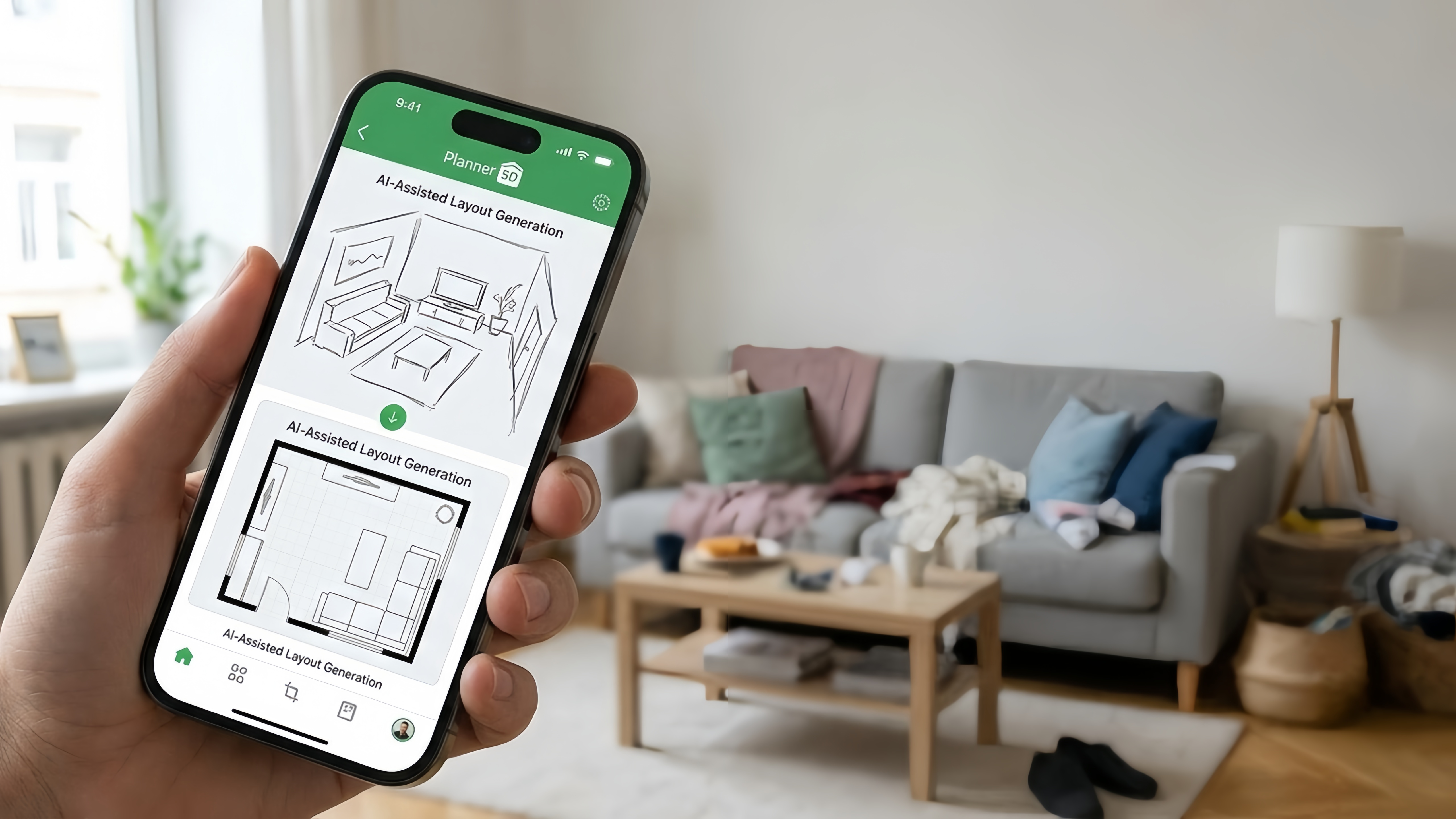
When we tested this feature, it significantly reduced the time needed to build a basic layout, especially for simple apartment rooms.
Once your layout is ready, you can switch into a 3D view and start experimenting with furniture placement, textures, and lighting.
Very fast for creating basic layouts
Large furniture and decor library
Smooth transition between 2D and 3D views
Good for beginners with no design background
Advanced items often require a paid subscription
Can feel limited for complex architectural projects
Overall, it’s a strong entry point if you’re just starting to explore home design tools.
If your main goal is to see how a space will look rather than build it from scratch, Homestyler is one of the most visually impressive options available.
Its strength lies in rendering quality. You can create a room layout and generate highly realistic visual previews that show lighting, textures, and shadows in a way that feels close to real photography.
One of the most useful features is its AR preview mode, which lets you place virtual furniture inside your real room using your phone camera. This makes it easier to judge whether a sofa, lamp, or table actually fits the space visually.
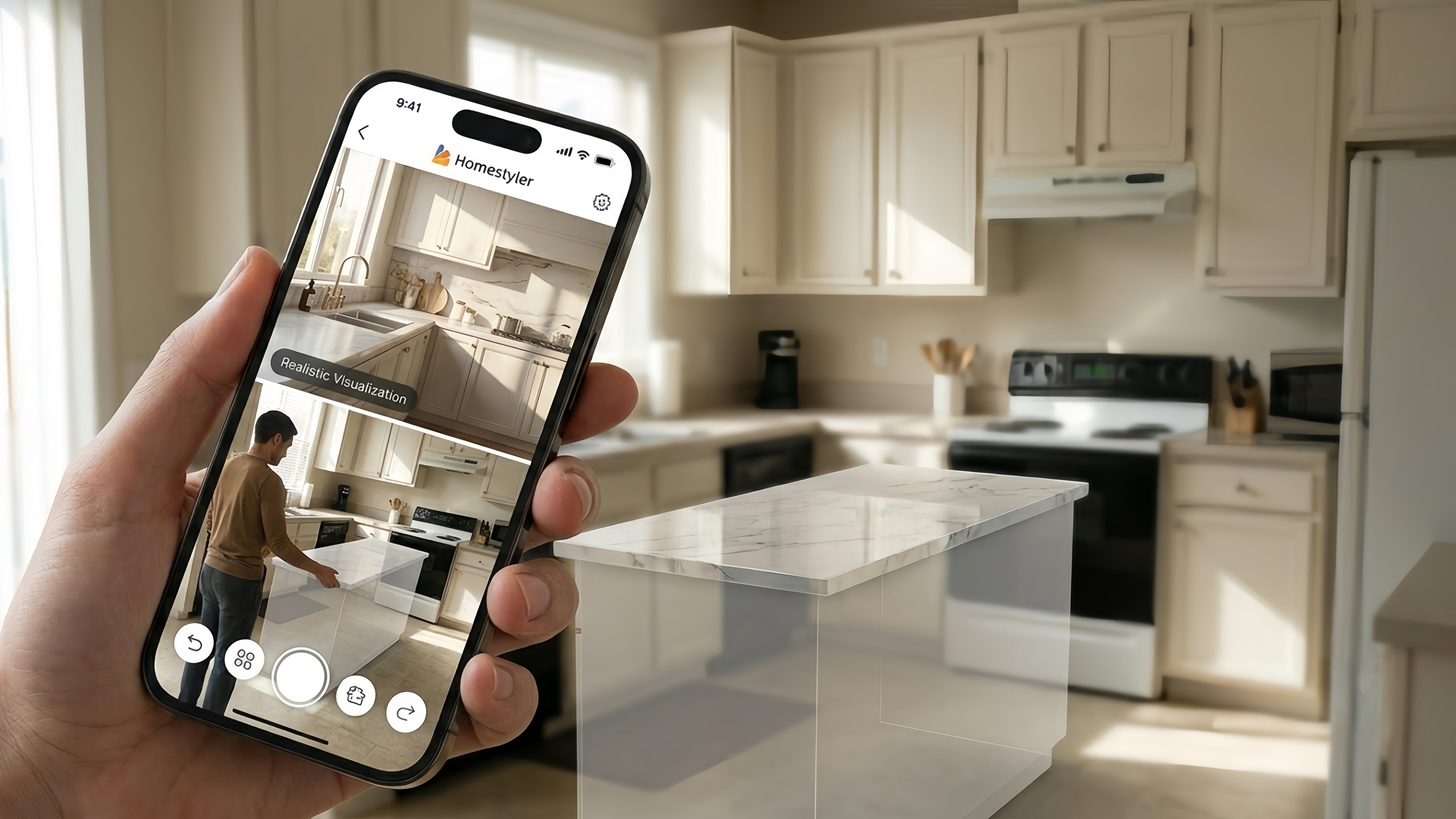
Very high-quality realistic rendering
Large community design library
Useful AR preview for furniture placement
Good for style exploration and inspiration
Less efficient for precise architectural planning
Mobile version is better for viewing than heavy editing
This app is especially useful if you’re redesigning aesthetics rather than changing structural layouts.
Live Home 3D is designed for users who want more precision and control over their home design.
Unlike more casual apps, this tool allows you to work in both 2D and 3D simultaneously. You can adjust walls, windows, and room dimensions in a 2D plan while immediately seeing how those changes affect the 3D model.
When we tested multi-room layouts, the app remained stable even with more complex structures, which is a good sign for users planning larger renovations.
Strong precision for architectural planning
Real-time 2D and 3D synchronization
Supports multi-floor house designs
Suitable for serious renovation planning
Learning curve is steeper than most apps
Interface can feel technical for casual users
This is the closest option on the list to professional-grade design tools.
Houzz takes a slightly different approach compared to traditional floor planning tools.
Instead of focusing on building layouts from scratch, it functions more like a massive design inspiration platform combined with a shopping ecosystem.
One of its most useful features is the ability to preview furniture and decor in your actual room using AR. You can test how items like lighting fixtures, rugs, or chairs will look in your space before purchasing.
The platform also includes millions of real interior photos, which makes it useful for gathering ideas and understanding current design trends.
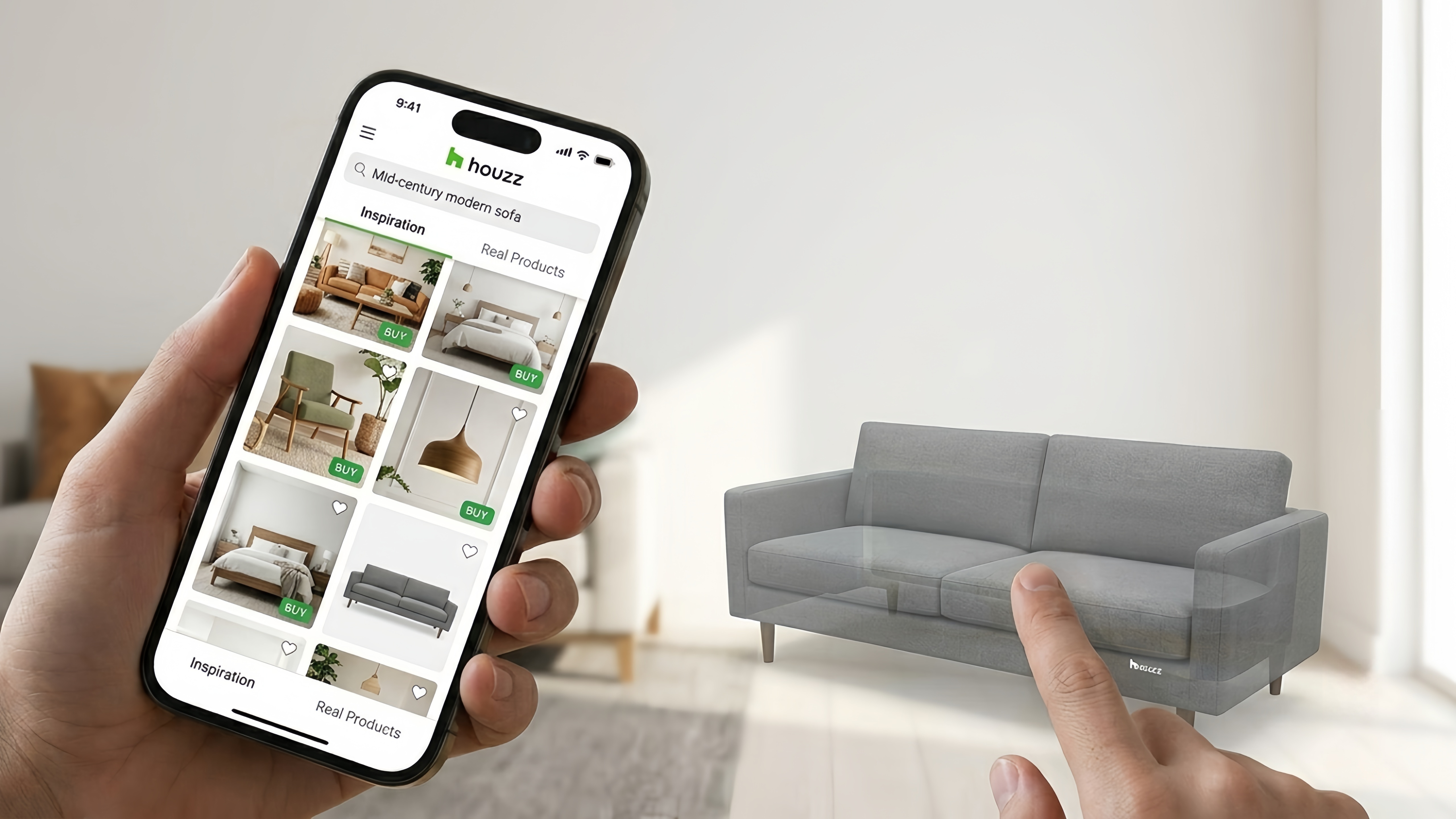
Huge library of real interior design photos
AR preview for real-world products
Easy connection to contractors and suppliers
Strong for inspiration and shopping decisions
Not ideal for precise floor plan creation
More focused on inspiration than structural design
Houzz works best as a “visual decision-making” tool rather than a planning tool.
Magicplan is one of the most practical tools for real-world home measurement and layout creation.
Instead of manually drawing walls or guessing dimensions, you can use your phone’s camera to scan a room. The app then generates a scaled floor plan based on real measurements.
This makes it especially useful for renovation planning, moving, or documenting existing spaces.
During testing, the AR scanning feature worked best in uncluttered rooms with clear wall boundaries, producing surprisingly accurate layouts for a mobile app.
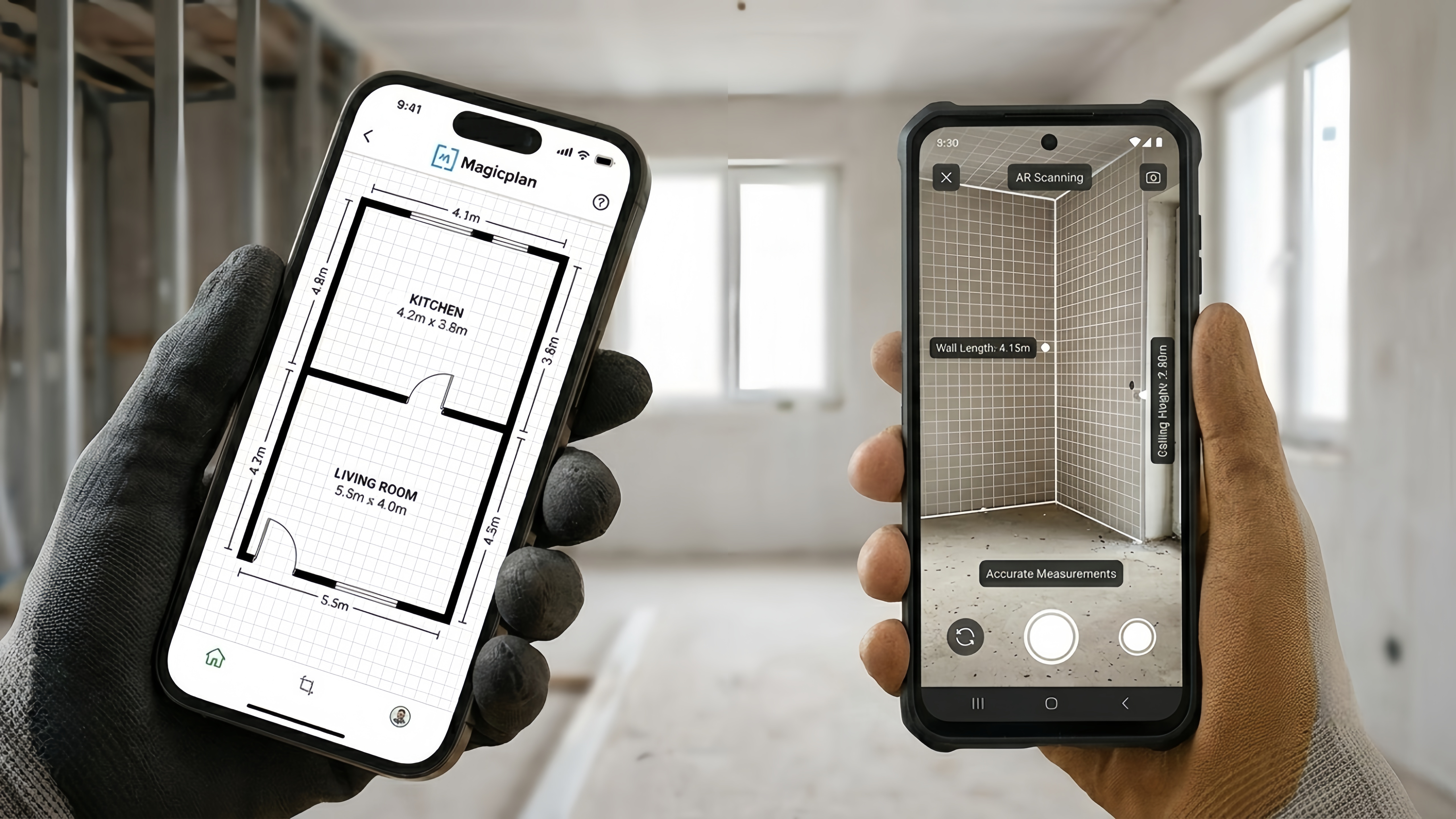
AR-based room scanning and measurement
High accuracy for real-world floor plans
Useful for renovation and property documentation
Works well for both personal and professional use
Some advanced export features require payment
Accuracy depends on scanning conditions
If precision matters more than decoration, this is one of the most useful apps available.
There is no single “best” home design app because each one solves a different problem.
If you want quick AI floor planning, use Planner 5D
If you want realistic visualization, choose Homestyler
If you need architectural precision, go with Live Home 3D
If you want inspiration + real shopping, use Houzz
If you need accurate room scanning, pick Magicplan
In practice, many people end up using two apps together—one for planning and one for visualization.
Before committing to any subscription, start with just one room. A single space is enough to understand how an app works and whether it matches your thinking style.
The best design tool isn’t the one with the most features—it’s the one you actually enjoy using when you’re rearranging your life, one room at a time.