
Managing projects effectively requires more than a simple to-do list. Whether you're coordinating a remote team, tracking deadlines, assigning responsibilities, or managing multiple workstreams, the right task management app can make a significant difference. Modern project management tools help teams stay aligned, improve visibility, and reduce the risk of missed deadlines.
To help you find the best option for your workflow, we evaluated several leading task management apps based on usability, collaboration features, customization, scalability, and overall project organization capabilities.
Asana remains one of the most versatile project management platforms available today. It combines task tracking, project planning, workflow automation, and team collaboration in a clean, user-friendly interface.
One of Asana's biggest strengths is its flexibility. Teams can organize work using lists, boards, calendars, timelines, or workload views depending on their preferred project management style. The platform also supports custom fields, recurring tasks, approval workflows, and project templates.
Best for:
Cross-functional teams
Marketing projects
Product development workflows
Medium to large organizations
Key Highlights:
Multiple project views
Strong automation tools
Goal and milestone tracking
Excellent team collaboration features
Trello popularized the Kanban-style approach to task management and remains one of the easiest platforms to adopt. Its visual board-and-card system makes it simple to track tasks from planning through completion.
Users can create boards for projects, lists for workflow stages, and cards for individual tasks. Attachments, comments, checklists, labels, and due dates help keep information organized without overwhelming users.
While Trello may not offer the same depth as enterprise project management platforms, its simplicity is often its greatest advantage.
Best for:
Small teams
Freelancers
Creative projects
Visual workflow management
Key Highlights:
Intuitive drag-and-drop interface
Fast onboarding
Flexible project boards
Extensive integrations
ClickUp has gained popularity by offering an all-in-one productivity platform that combines project management, task tracking, documentation, and collaboration tools.
The platform provides multiple viewing options including List, Board, Calendar, Gantt, Mind Map, and Timeline views. Teams can create highly customized workflows, automate repetitive tasks, and centralize project information in one workspace.
For organizations looking to reduce the number of separate productivity tools they use, ClickUp offers a compelling solution.
Best for:
Growing businesses
Operations teams
Agencies
Complex project environments
Key Highlights:
Extensive customization options
Built-in documents and knowledge management
Workflow automation
Comprehensive reporting tools
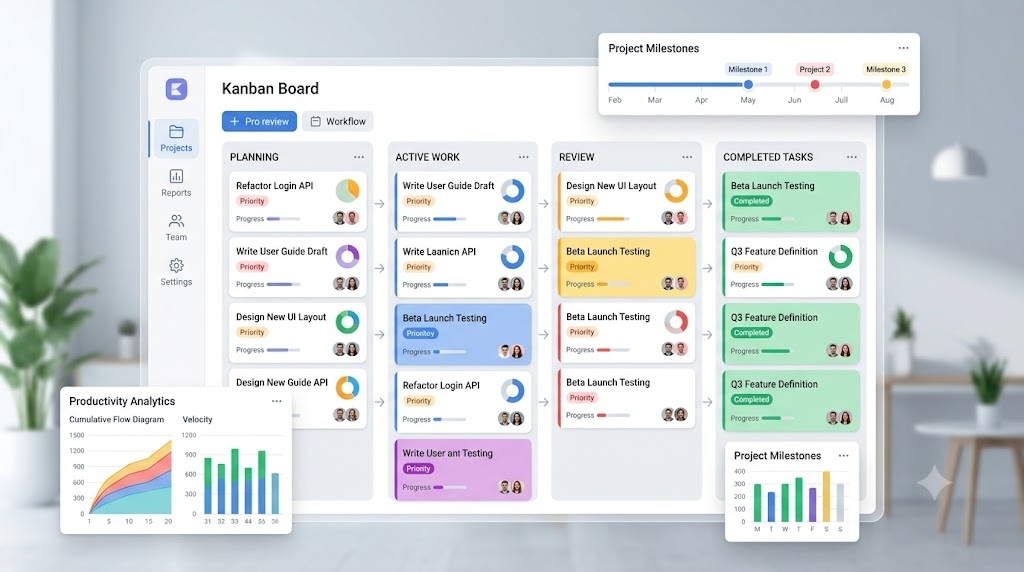
Monday.com focuses on helping teams visualize and manage work through customizable dashboards and workflow boards. Its colorful interface makes project status easy to understand at a glance.
The platform supports project planning, resource management, task assignments, timeline tracking, and team collaboration. Users can build custom workflows without requiring technical expertise.
Organizations managing multiple projects simultaneously often appreciate Monday.com's ability to provide high-level visibility across departments.
Best for:
Project managers
Operations teams
Multi-department organizations
Resource planning
Key Highlights:
Visual project tracking
Custom dashboards
Automation capabilities
Strong reporting features
Notion approaches project management differently by combining notes, documentation, databases, and task tracking within a unified workspace.
Teams can build custom project hubs, create shared knowledge bases, manage tasks, and document processes without switching between multiple applications. This flexibility makes Notion particularly attractive for knowledge-driven teams.
Although it may require more initial setup than traditional task managers, the long-term organizational benefits can be substantial.
Best for:
Startups
Content teams
Knowledge workers
Documentation-heavy workflows
Key Highlights:
Unified workspace
Powerful databases
Collaborative documentation
Highly customizable layouts

Todoist focuses on helping individuals and small teams stay organized without unnecessary complexity. The app offers a streamlined task management experience while still supporting project organization and collaboration.
Features such as recurring tasks, priorities, labels, filters, and productivity tracking make it a strong choice for users who want structure without a steep learning curve.
Many professionals use Todoist as their personal productivity system while managing work responsibilities across multiple projects.
Best for:
Individual professionals
Consultants
Students
Small collaborative teams
Key Highlights:
Clean user interface
Natural language task entry
Recurring task management
Cross-platform synchronization
Jira is widely used by software development teams that require advanced project tracking and agile workflow management.
The platform supports Scrum boards, Kanban boards, sprint planning, backlog management, issue tracking, and release planning. While Jira can feel more complex than general-purpose task managers, its depth makes it a powerful option for technical teams.
Development organizations often rely on Jira to coordinate work across engineering, quality assurance, and product management functions.
Best for:
Software development teams
Agile organizations
Technical project management
Product development
Key Highlights:
Advanced issue tracking
Sprint and backlog management
Agile workflow support
Extensive integrations
The best task management app depends largely on your team's workflow and project complexity.
Choose Asana for balanced project management and collaboration.
Choose Trello for visual simplicity and quick adoption.
Choose ClickUp for highly customizable workflows.
Choose Monday.com for project visibility and reporting.
Choose Notion for combining documentation with task management.
Choose Todoist for personal productivity and lightweight collaboration.
Choose Jira for software development and agile project management.
No single platform is ideal for every team. Many organizations evaluate several options before committing to a workflow solution. The good news is that today's leading task management apps provide powerful tools for improving organization, increasing transparency, and helping teams move projects forward more efficiently.
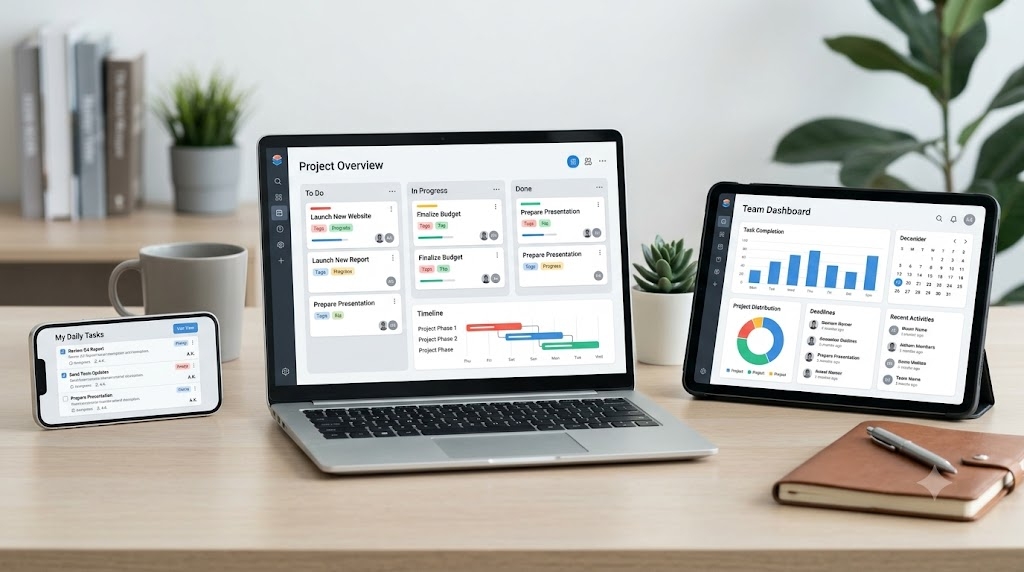
Successful project execution depends on clear communication, visibility, and accountability. A well-designed task management app can help teams stay organized, reduce confusion, and maintain momentum across complex workflows.
Whether you're managing a personal project, coordinating a distributed team, or overseeing large-scale business initiatives, the apps above represent some of the strongest options currently available for organizing project workflows and keeping work on track.