
Every household knows that classic grocery chaos all too well.
One person picks up a loaf of bread. Then another grabs a second one on the way home. The eggs everyone needed? Completely forgotten. No one can recall who volunteered for laundry detergent. By checkout time, your pantry somehow has three bottles of ketchup and zero coffee to start your morning.
Old-school paper lists can’t keep up with modern family life. Random text thread notes get buried under chats and memes. Basic phone note apps lack tailored shopping features. It’s no surprise dedicated shared grocery list apps have become some of the most useful productivity tools for busy homes.
Great grocery apps do far more than just jot down items. They sync every change instantly across every family member’s phone, auto-sort groceries by store aisle, support custom lists for every occasion, and keep everyone on the same page in real time — no more mix-ups, no more duplicate buys.
For this 2026 roundup, I tested and ranked top apps based on real household needs: rock-solid real-time sync, full iOS and Android cross-platform support, effortless family sharing, grocery-specific tools, honest pricing, and long-term daily usability. These are the best shared shopping list apps to eliminate household grocery friction for good.
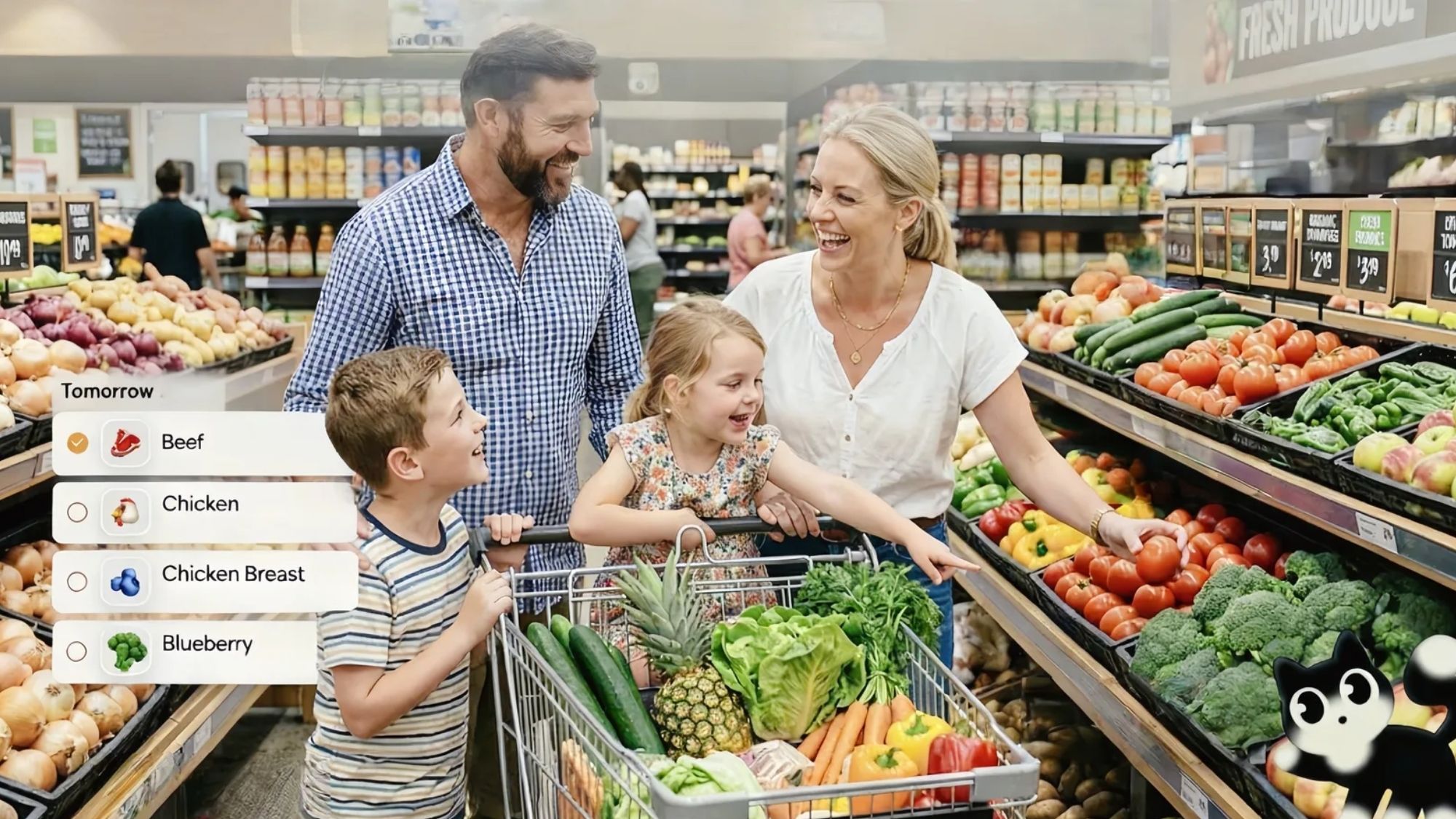
Availability: iPhone, Android
Pricing: Free to download and use core sharing features. Optional AnyList Complete subscription starts at $9.99/year for individuals and $14.99/year for full households.
AnyList has built a fiercely loyal user base for one simple reason: it nails household grocery coordination without unnecessary fluff.
Its real-time sync is virtually instant. A family member can add missing items mid-shop, and the update pops up on everyone’s device right away. This single feature cuts down on duplicate purchases and forgotten staples more than any other tool on this list.
Every detail is built around grocery shopping, not generic note-taking. The app auto-categorizes items, pulls ingredient lists straight from saved recipes to build shopping lists automatically, and lets multiple people edit and update lists simultaneously. It’s easy to see why household communities consistently praise its reliability and no-fuss design for long-term family use.
Near-perfect real-time cross-device syncing
Fully functional free tier with unlimited list sharing
Works across iOS, Android, and web browsers
Seamless recipe-to-grocery-list integration
Affordable household subscription pricing
Clean, distraction-free interface focused on usability
Advanced features live behind the paid subscription tier
Interface prioritizes function over visual design
Robust meal-planning tools are exclusive to premium users
Families wanting a reliable, low-maintenance grocery system that works flawlessly day in and day out.
Availability: iPhone, Android
Pricing: Free core experience with optional in-app upgrades.
Bring! stands out globally thanks to its rare balance of beginner-friendly simplicity and powerful collaborative tools.
Every shared list updates live across all devices. Users can add exact quantities, custom notes, reference photos, and product specifics for every item. The app automatically sorts groceries into logical store categories, trimming down wandering time in supermarkets and speeding up every shopping trip.
Its recipe import tool is a fan favorite. You can pull ingredients from any online recipe and drop them straight into your grocery list in seconds. Support for multiple custom lists also makes it perfect for weekly groceries, household supplies, pharmacy runs, holiday shopping, and special events. It’s no wonder families and roommates regularly name it one of the most intuitive shared list tools available.
Extremely capable free version with no critical paywall locks
Snappy real-time sync for group shopping
Polished, visually pleasing interface
Handy voice input for quick on-the-go item adds
Smooth recipe integration workflow
Unlimited custom shared lists for every household need
Built-in promotional shopping suggestions don’t suit every user
Less customizable than competing niche grocery apps
Lacks deep inventory tracking for power users
Households that want a visually clean, intuitive, and collaborative grocery app experience.
Availability: iPhone, Android
Pricing: Free ad-supported version. Cozi Gold premium tier costs roughly $39 annually, unlocking exclusive features and removing ads.
Cozi isn’t just a grocery list app — it’s an all-in-one command center for busy family life.
Its shopping tools work great on their own, but the real value lies in seamless integration with shared family calendars, chore trackers, to-do lists, and meal planners. Families can sync school events, doctor’s appointments, daily chores, and grocery needs all within one unified platform, cutting down on scattered texts and disjointed planning.
This centralized system eliminates so much daily communication friction, especially for larger families with packed schedules. Its grocery lists sync reliably across devices, pairing perfectly with its calendar tools for full household coordination — a combo countless families rely on daily.
Combines calendars, shopping lists, recipes, and chores in one app
Strong cross-device sync and web access
Free tier covers core household planning needs
Perfectly scaled for larger, busy families
Acts as a complete shared household management hub
Grocery-specific tools can’t match dedicated shopping apps
Free version includes frequent ads
Premium annual subscription costs more than rival grocery apps
Families prioritizing full household organization over standalone grocery tracking.
Availability: iPhone, Android
Pricing: Fully functional free version with optional premium upgrades
OurGroceries has stood the test of time for one simple reason: unbeatable reliability.
The app’s entire design revolves around fast, consistent syncing. When one family member checks off milk or eggs mid-shop, the item vanishes from everyone else’s list instantly. No delays, no duplicate purchases, no confusion.
It supports unlimited custom lists, recurring shopping item tracking, and full cross-platform sync. Longtime users love its stripped-back, focused design — no unnecessary lifestyle features, just solid grocery management. It remains a community favorite for dependable everyday household use.
Industry-leading consistent synchronization
Lightweight, fast, and low-effort to run
Supports multiple dedicated shopping lists
Works seamlessly for mixed iOS/Android households
Virtually no learning curve for new users
Interface looks dated compared to modern alternatives
Lacks the visual polish and flair of Bring!
Minimal built-in meal-planning functionality
No-fuss families who prioritize reliability and speed over sleek design.
Availability: iPhone, Android
Pricing: 100% free
Google Keep was never built exclusively for grocery lists — but millions of small households rely on it for exactly that purpose.
Almost everyone already has a Google account, so there’s no new app or account setup required. Shared checklists sync quickly across phones and computers, making basic shopping coordination effortless.
For simple, no-frills list-sharing, it works surprisingly well. That said, it lacks every grocery-specific perk that makes dedicated apps worthwhile: no aisle categorization, no recipe imports, no shopping-focused tools, and no inventory tracking.
Completely free with zero hidden costs
Ultra-familiar, intuitive interface for all users
Fast cross-device syncing
No new account creation needed for existing Google users
Universal cross-platform compatibility
Not purpose-built for grocery or household shopping
No automatic store aisle categorization
Zero advanced household coordination features
Large shopping lists quickly become messy and unorganized
Couples and small households wanting the simplest possible free shared list solution.
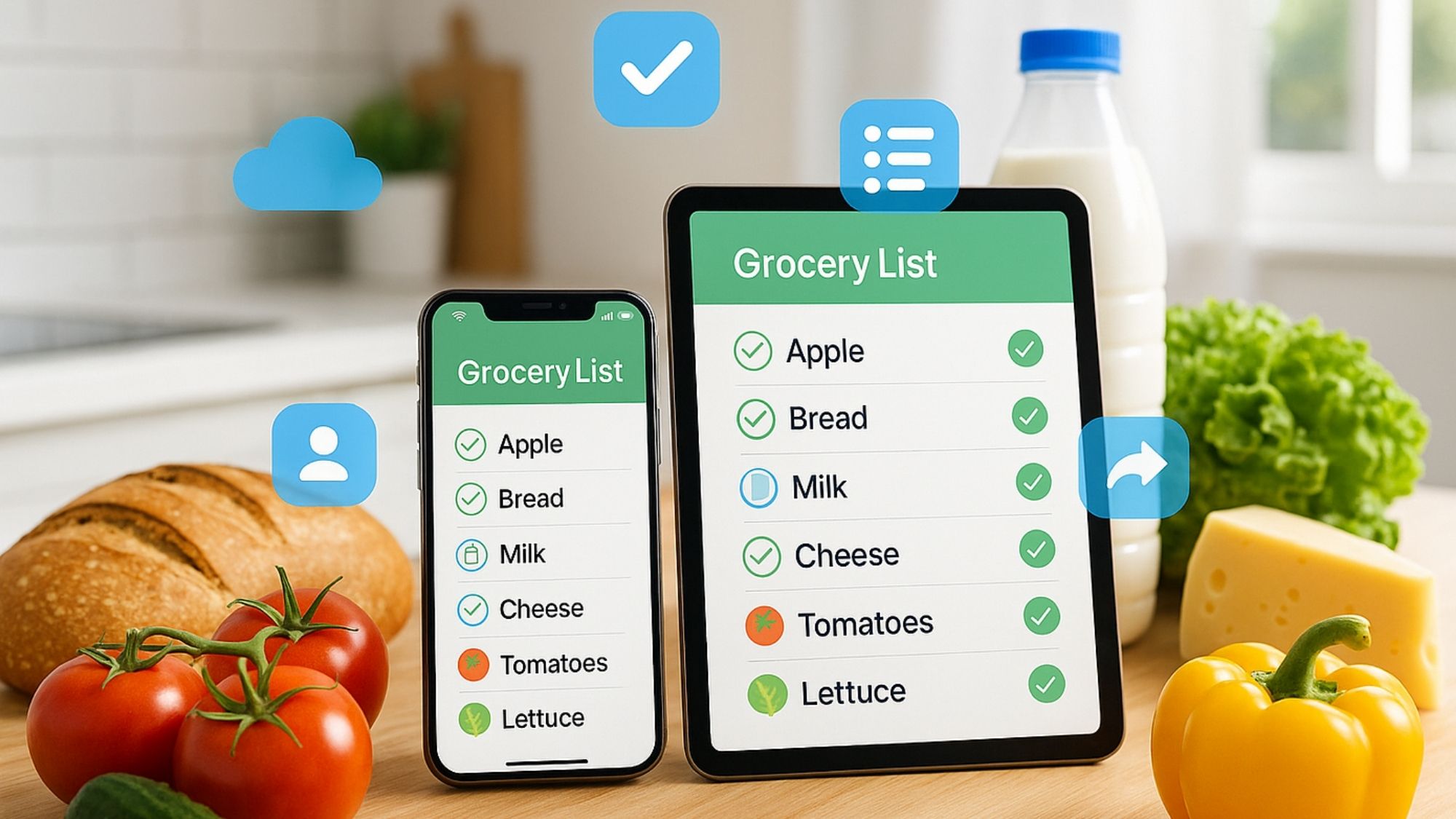
After weighing feature sets, pricing, sync quality, and long-term household usability, one app outperforms the rest by a wide margin.
Best Overall Shared Grocery List App: AnyList
AnyList strikes the perfect balance of grocery-specific features, bulletproof synchronization, practical recipe integration, and seamless family collaboration. Its free tier delivers genuine daily value, while its premium subscription remains far more affordable than most household productivity tools.
Best Free Grocery App: Bring!
Best Full Family Organizer: Cozi
Most Dependable Syncing: OurGroceries
Simplest Free Solution: Google Keep
Modern shared grocery apps do so much more than replace paper lists. They eliminate the small, repetitive household frustrations that add up fast: duplicate purchases, forgotten essentials, and miscommunicated errands. For busy families balancing work, school, and endless daily tasks, these apps turn chaotic household shopping into a streamlined, stress-free routine — and that small daily win makes all the difference.