
There was a simpler era when a quick “Text me once you get home” covered every safety check-in.
Today’s families juggle nonstop overlapping plans: school drop-offs, youth sports practices, college campus commutes, business road trips, care for aging relatives, and weekend outings spread across town or even across states. A single text often can’t cut through the noise to answer the quiet worry every caregiver carries: Are they safe, and where are they right now?
Modern location-sharing tools have grown far past basic GPS pin drops. Top platforms stream live position updates, fire off automatic arrival alerts, trigger emergency safety notifications, flag risky driving behavior, and even show remaining phone battery life — all while letting every member set clear boundaries around who can view their location.
When putting together this roundup, I judged each app on real-world family priorities: - Precise, consistent GPS accuracy - Fast, lag-free live location refreshes - Customizable privacy and access controls - Built-in tools to streamline household coordination - Full cross-device compatibility for iOS and Android - Clear, undisguised pricing with no hidden charges - Practical daily safety functionality for regular families
Below are the most dependable location-sharing apps available for iPhones and Android devices right now.
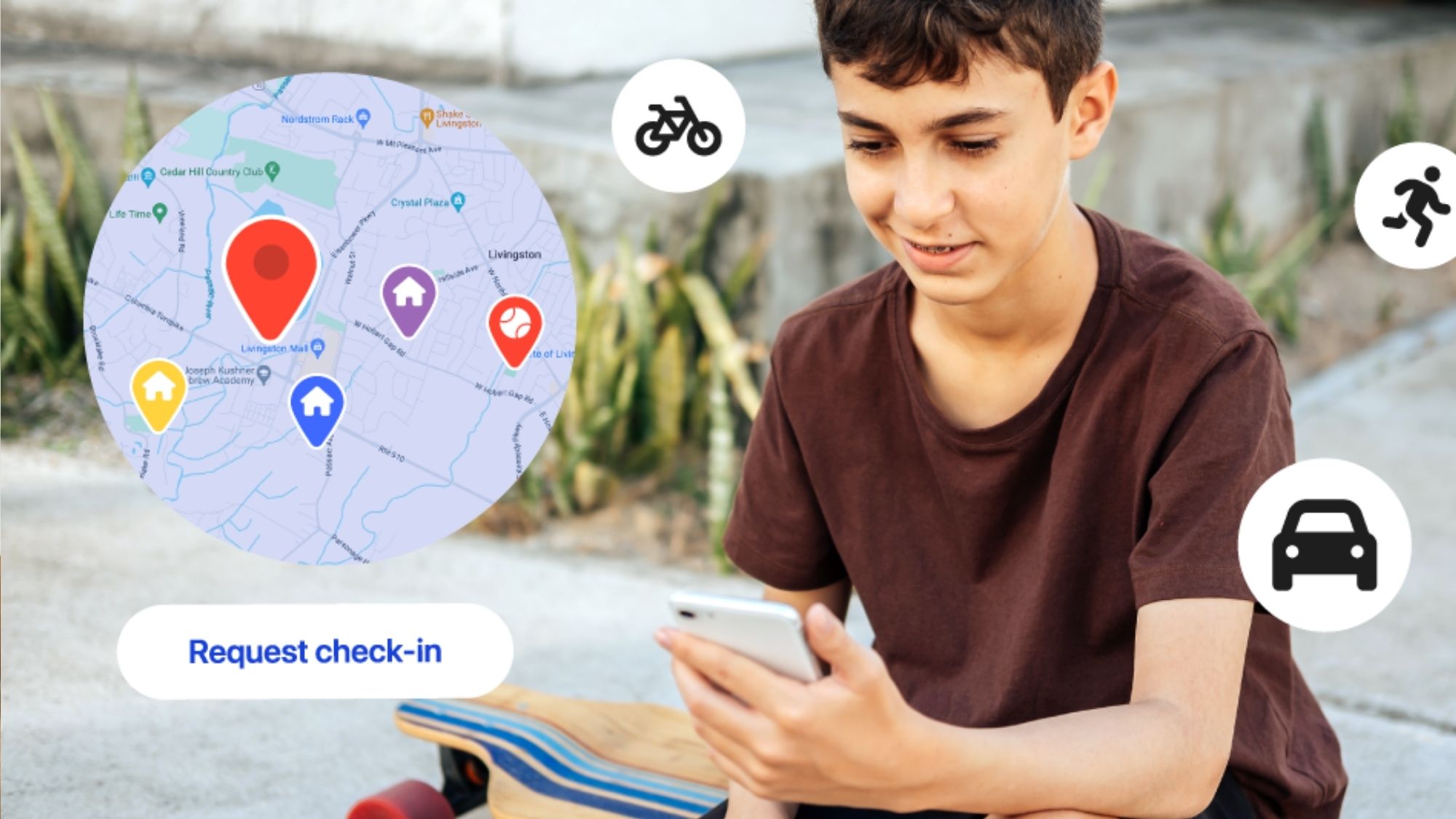
Pricing: Functional free tier included; paid monthly subscriptions unlock premium safety add-ons
Life360 is the most widely recognized family location platform in the U.S., and for good reason — it was built from the ground up exclusively for household coordination and safety.
Users create private, invite-only family circles where every member’s live location is visible at a glance. Location refreshes stay fast and consistent, and its geofence tool automatically sends a group alert the second someone pulls into or leaves saved spots like the family home, school campus, or workplace.
Paid premium tiers layer in powerful extras: automatic crash detection, on-demand roadside help, detailed driving behavior summaries, and extended location timeline history.
What sets Life360 apart from generic location tools is its full safety toolkit. It’s not just a way to check someone’s pin on a map; it acts as a central hub for all your household’s safety logistics.
Sharp, reliable real-time location tracking
Instant automated alerts for arrivals and departures
Fully functional on both major mobile operating systems
Robust suite of driving safety monitoring features
Massive established user community with consistent updates
Free base version covers most everyday family needs
All advanced safety and timeline tools sit behind a paid subscription
Constant background tracking feels overly invasive to some users
Runs through phone battery faster than stripped-down location apps
Families that want a single, all-in-one platform built around comprehensive household safety monitoring.
Pricing: Preinstalled free software for all Apple hardware
If every person under your roof owns Apple devices, Find My is tough to beat.
Apple bakes location sharing straight into iOS via its built-in Family Sharing system. Every household member can opt into live location visibility, trigger instant arrival alerts, trace misplaced iPhones or iPads, and view everyone’s current position inside one unified native app.
Unlike third-party tracking services, there are zero pop-up ads, forced upgrade prompts, or paywalls of any kind.
Its main limitation is non-negotiable: the full feature set only works within an all-Apple household. Any Android device in the family breaks the seamless sync and shared alert workflow.
For iPhone-only homes, though, the experience feels effortless, thanks to deep system-level integration that doesn’t require extra app downloads or manual setup.
100% free with no hidden costs
Granular, customizable privacy permissions for every user
Preloaded on every Apple device, no extra installs needed
Completely ad-free with no subscription upsells
Industry-leading lost device recovery functionality
Native sync with Apple’s Family Sharing framework
Locked entirely to the Apple ecosystem
Far fewer specialized safety features than Life360
No built-in driving reports or collision detection monitoring
Households where every family member uses an iPhone, iPad, or Mac.
Availability: Android ; iPhone
Pricing: Fully free to use
Most people only associate Google Family Link with screen-time parental limits, but its location tracking tools hold their own against paid competitors.
Parents can pull up a child’s live device location at any time, check remaining battery life on their kid’s phone, and monitor all linked gadgets through one clean dashboard. Google offers the entire suite at no cost, making it one of the most capable zero-dollar tracking options for Android-focused households.
The platform isn’t built for equal peer-to-peer family sharing between adults; its core design caters to parent-child supervision. Still, that targeted functionality hits exactly what many caregivers shop for in a location app.
No subscription fees, all core tools permanently free
Stable, consistent live location tracking
Optimized for seamless integration with Android hardware
Instant visibility into every linked device’s battery level
Ties directly into Google’s broader connected service ecosystem
Built solely for parent oversight of minor children, not full adult household coordination
Short, limited accessible location history timelines
Lacks the wide range of emergency safety tools found on Life360
Android-based families who want reliable child location tracking without monthly subscription charges.
Pricing: Free trial period offered; Premium subscriptions run roughly $9.99 monthly or $47.99 annually, plan dependent
GeoZilla centers its entire design around automated safety alerts and real-time family monitoring.
The app handles standard location sharing, geofence arrival notifications, permanent location history logs, and driving safety oversight. Premium subscriptions unlock longer location archives, advanced driver risk tracking, and instant accident alert triggers sent straight to the family group.
GeoZilla’s biggest strength is hands-off automation. Once you save your regular frequent locations, the app pushes relevant updates to the whole circle automatically — no constant manual check-ins required from anyone.
Precise, consistent GPS location pinning
Extendable timeline of past location history
Built-in alerts for unsafe driving and potential vehicle collisions
Instant push notifications for arrivals and departures from saved spots
Cross-platform compatibility for iOS and Android users alike
All standout advanced functionality locked behind a paid premium plan
Annual and monthly subscription pricing steeper than several rival apps
Cluttered dashboard layout packed with overlapping data widgets
Families who prioritize automatic safety notifications and continuous driving behavior monitoring.
Pricing: Fully free
Countless users overlook that Google Maps houses one of the most consistent, accurate location-sharing tools available anywhere.
You can share your live position with selected contacts either for a set temporary window or indefinitely. Since nearly every smartphone already has Google Maps downloaded, setup takes barely a minute with no new account creation required.
It doesn’t carry specialized family safety add-ons like crash alerts or driving analytics, but its GPS precision is outstanding, and cross-device sync works flawlessly regardless of operating system. Lots of households only need basic position visibility, not a full oversight ecosystem — and Google Maps nails that simple core function perfectly.
Zero cost, no subscriptions or in-app purchases
Near-perfect location pinpoint accuracy
Works equally well on iPhones and Android phones
No need to download separate niche tracking software
Straightforward, minimal setup process for all users
Zero family-specific safety or emergency features built in
Very limited automated alert and geofence logic
No dedicated tools for long-term location history tracking
Families who just want lightweight, straightforward location sharing without subscriptions or complicated extra features.
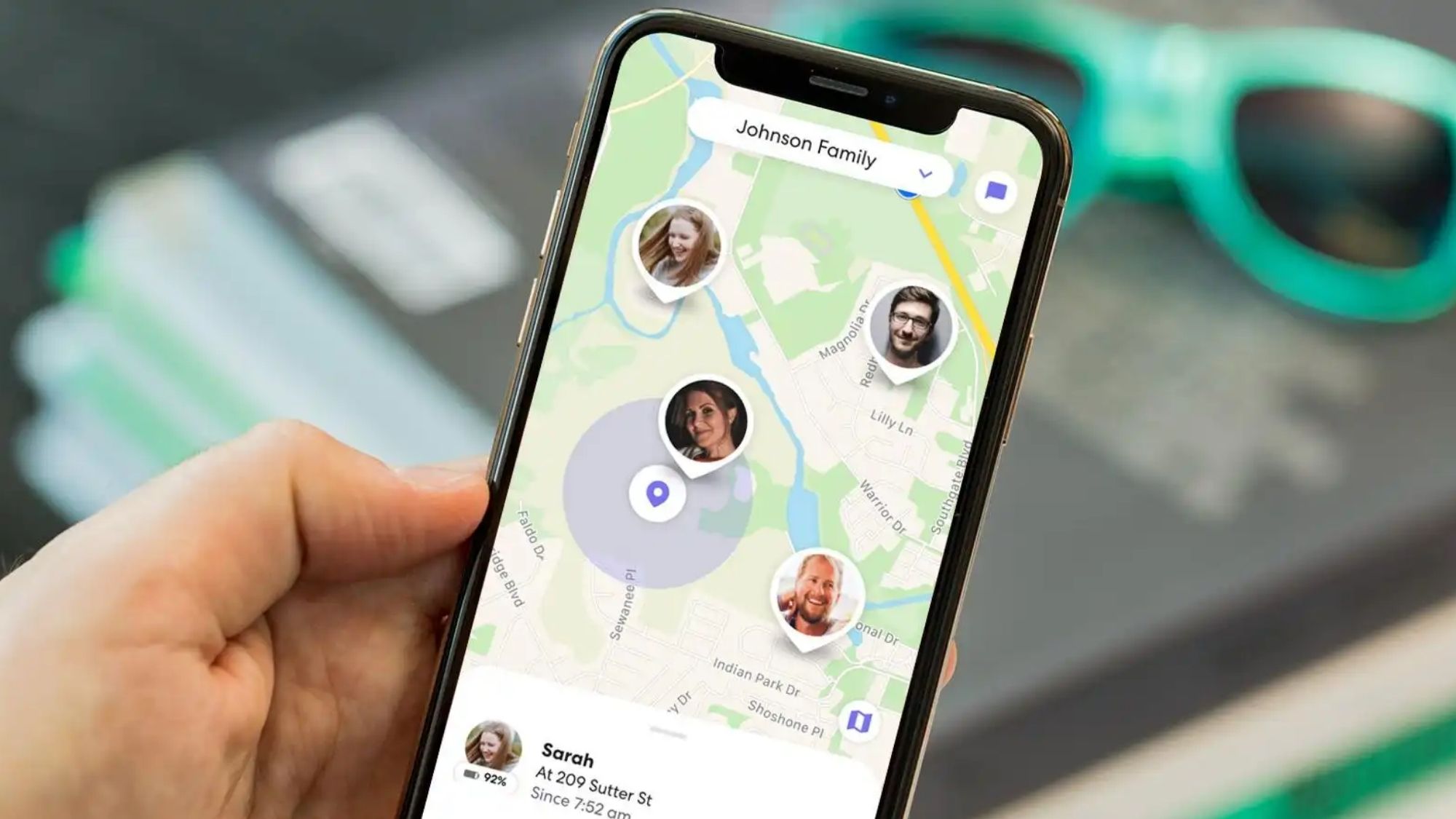
Your ideal app boils down to how much safety and coordination functionality your household actually needs.
Life360 remains the most complete solution on the market. It bundles live location streams, emergency safety triggers, driving behavior insights, automatic arrival alerts, and full household coordination tools within one single platform. For families juggling packed schedules, regular travel, and multiple people out and about daily, no competitor matches its full feature set.
Best For All-Apple Households: Find My
Top Free Android Parental Tracking Tool: Google Family Link
Best App For Driving Safety & Automated Alerts: GeoZilla
Simplest Free Lightweight Location Sharing: Google Maps Location Sharing
The biggest shift for family location apps in 2026 is clear: these tools aren’t just about constant surveillance anymore. Their real purpose is cutting down endless worry and back-and-forth check-in texts. Whether you’re verifying your teen made it home from practice, syncing carpool drop-off times, tracking down a lost smartphone, or checking in on an aging relative living alone, these platforms deliver quiet, constant peace of mind without nonstop calls and texts.
For nearly every household, that sense of certainty and calm is the feature that matters above all else.