
Downloading a water tracker is easy. Remembering to use it a week later? That's the hard part.
Most people don't quit because they suddenly stop caring about hydration—they quit because the app becomes another source of notifications. Buzz. Buzz. Buzz. Before long, those reminders feel less like helpful nudges and more like someone tapping you on the shoulder every hour. No surprise the app ends up in the trash.
The best hydration apps understand that building a habit isn't about nagging you into submission. They make logging quick, reminders less intrusive, and progress satisfying enough that you actually want to come back. After comparing the most popular options, these are the five that strike the best balance between usefulness and everyday sanity.
OS Availability: iOS
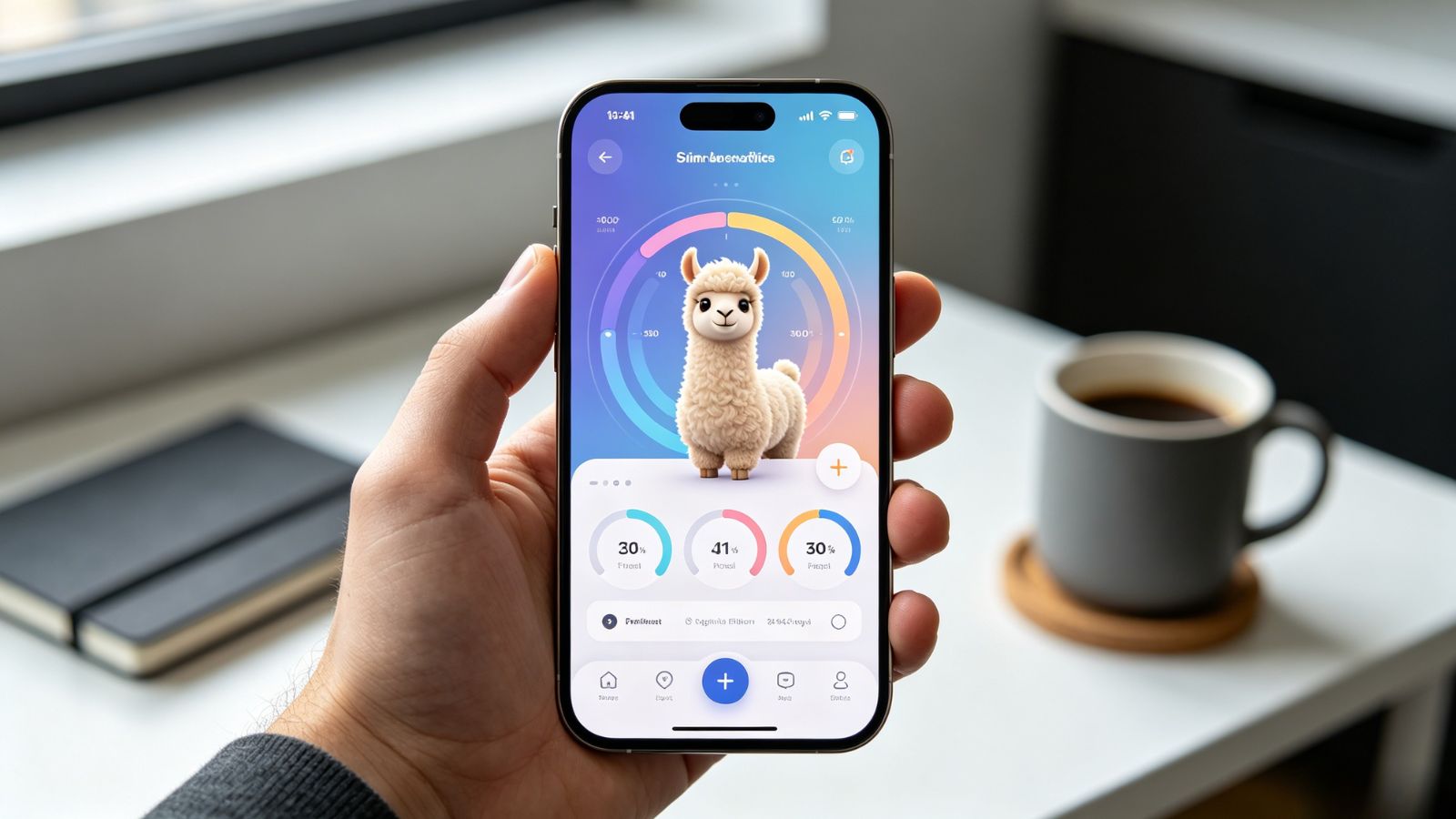
If hydration apps had personalities, Waterllama would be the cheerful friend who quietly keeps you on track without making it feel like work. It's playful without being childish, and that's exactly why so many people stick with it.
What makes it useful: Every drink you log helps fill animated animal characters, turning a repetitive habit into something surprisingly satisfying. The visuals aren't just there for decoration—they give you a reason to open the app even when you haven't received a reminder. Add in customizable widgets for your Home and Lock Screens, and recording a glass of water becomes almost effortless.
Pricing: Free, with optional premium subscription or one-time purchase.
Pros:
Fun visual rewards that encourage consistent use.
Home Screen and Lock Screen widgets make logging incredibly quick.
Syncs seamlessly with Apple Health.
Cons:
The playful design won't appeal to everyone, especially users who prefer a more clinical look.
OS Availability: iOS / Android
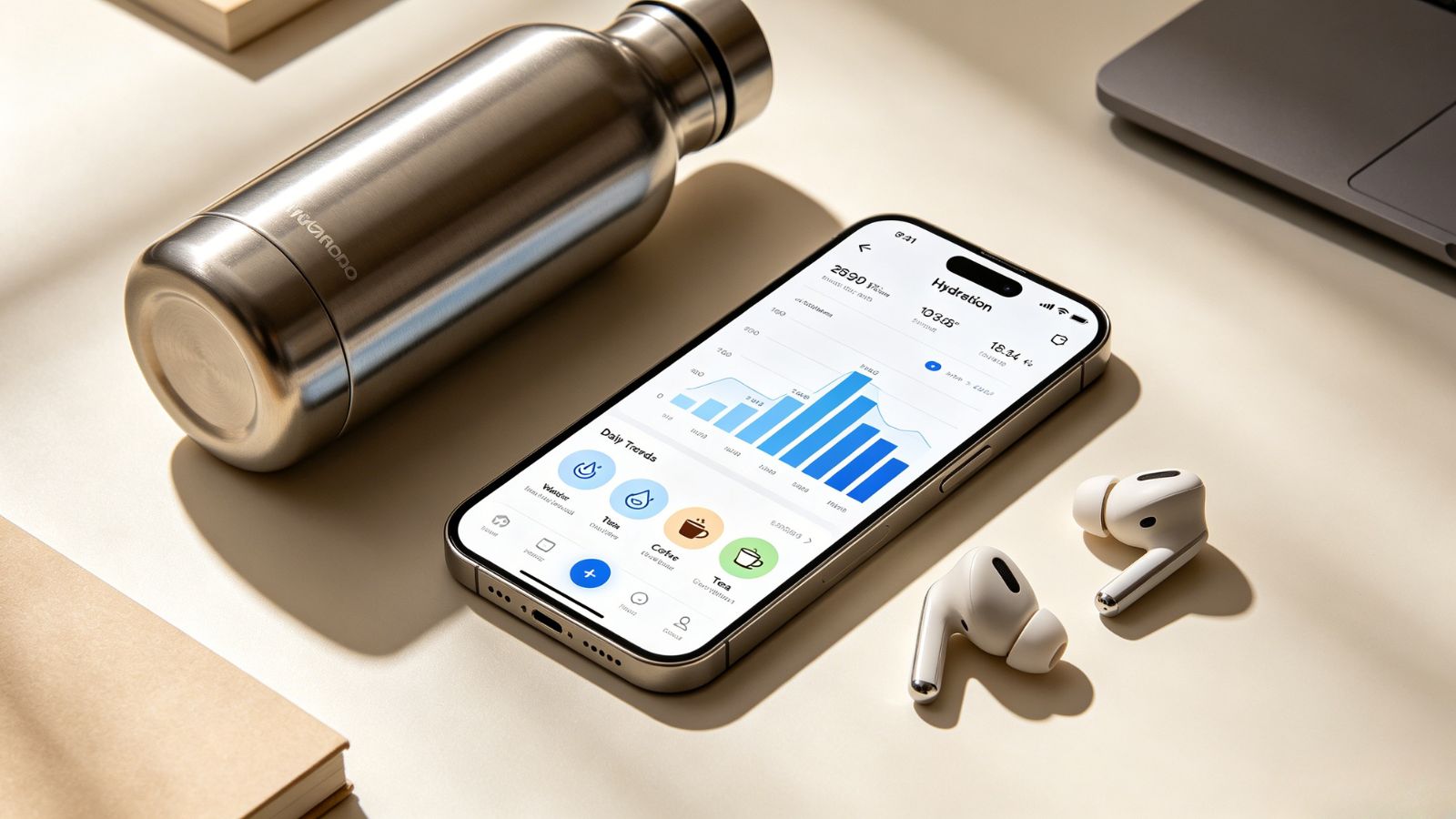
WaterMinder has been around for years, and there's a reason it's still one of the most recommended hydration apps. It focuses less on flashy graphics and more on giving you a complete picture of what you're actually drinking throughout the day.
What makes it useful: Water isn't the only beverage that counts. WaterMinder lets you log coffee, tea, juice, and dozens of other drinks while estimating their contribution to your daily hydration. If your day runs on iced coffee and sparkling water, you'll likely appreciate seeing everything in one place instead of pretending only plain water exists.
Pricing: One-time purchase on some platforms, with optional subscription features.
Pros:
Supports a wide range of beverages.
Detailed statistics and hydration history.
Excellent Apple Watch integration.
Cons:
Functional interface feels a little dated compared with newer competitors.
Android users looking for a straightforward hydration tracker will probably feel right at home with Hydro Coach. It skips the gimmicks and focuses on giving you a realistic daily goal from the start.
What makes it useful: Instead of assigning everyone the same target, Hydro Coach estimates your hydration needs using factors like age, weight, activity level, and gender. Once everything is set up, there's very little tweaking required. You simply log your drinks and let the app handle the calculations behind the scenes.
Pricing: Free, with optional PRO upgrade.
Pros:
Personalized hydration goals.
Strong privacy practices with no third-party data sharing.
Integrates well with Google Fit and Fitbit.
Cons:
Interface feels less polished than many iOS alternatives.
Some of the more useful features require the paid version.
OS Availability: iOS / Android
Some hydration apps seem convinced that constant notifications are the secret to healthy habits. My Water takes a more thoughtful approach.
What makes it useful: Its reminder system is designed to fit around your day instead of interrupting it. Rather than sending alerts on a rigid schedule, notifications can adapt to your routine, making them feel less intrusive whether you're working, commuting, or winding down for the evening. Combined with its clean interface and flexible container sizes, it's an easy app to keep using over the long run.
Pricing: Free, with in-app purchases.

Pros:
Smart reminders that feel less disruptive.
Flexible support for different bottle and cup sizes.
Syncs with Apple Health and Google Fit.
Cons:
Several premium features sit behind a subscription.
OS Availability: iOS / Android
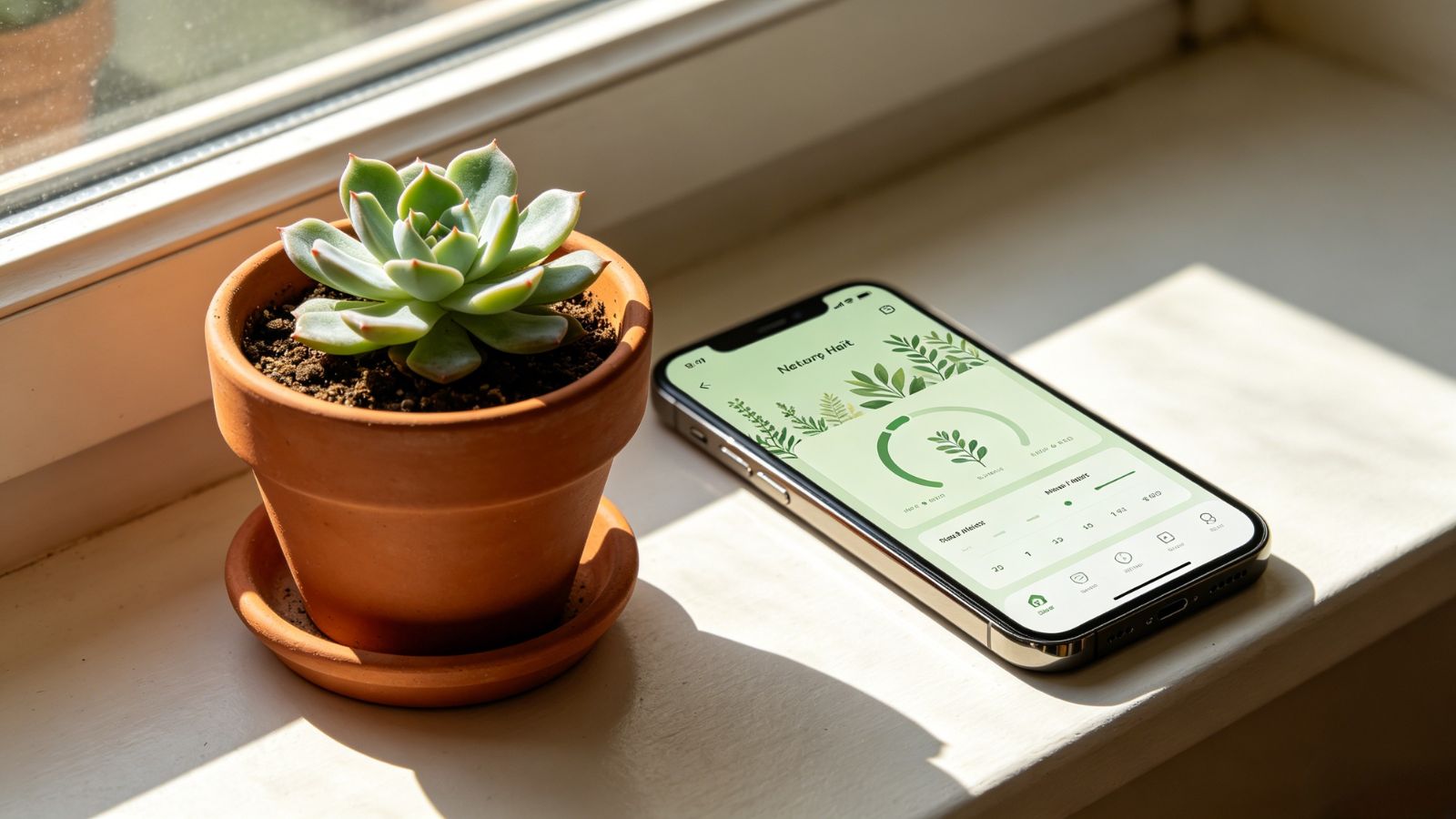
Plant Nanny approaches hydration from a completely different angle. Instead of focusing on charts and statistics, it gives you something to care for.
What makes it useful: Every glass of water helps your virtual plant grow, while forgetting to drink causes it to wilt. It's a surprisingly effective concept because the reminder feels emotional rather than mechanical. You're not responding to another notification—you simply don't want your little plant to suffer. It sounds silly until you realize you're drinking more water because of it.
Pricing: Free, with optional premium subscription.
Pros:
Charming gamified experience.
Simple and beginner-friendly.
Great alternative for people who dislike traditional health apps.
Cons:
Long-term users may eventually outgrow the game mechanics.
For most people, Waterllama offers the best overall experience. It makes hydration feel less like another item on your to-do list and more like a habit that naturally fits into your day. That's a small distinction, but it's often the difference between using an app for a week and sticking with it for months.
If you enjoy digging into your habits and want detailed tracking for everything you drink—not just water—WaterMinder remains one of the strongest choices available. And if gentle motivation works better than numbers or charts, Plant Nanny turns hydration into something surprisingly enjoyable without piling on pressure.
One last tip: don't expect any app to do all the work. Sometimes the simplest trick is still the most effective. Leave a full water bottle where you'll see it throughout the day—on your desk, beside your laptop, or next to your coffee mug. A visible reminder often beats even the smartest notification.