
Think about the last time you reached for your physical wallet.
Not your phone. Your actual wallet.
For a growing number of people, that moment is getting harder to remember.
A decade ago, leaving home without your wallet felt reckless. Today, many people walk out the door carrying little more than their phone and maybe a backup credit card tucked into a pocket somewhere. Coffee runs, grocery shopping, train tickets, concert passes—even government IDs in some regions—can now live inside a single device.
Convenient? Absolutely.
But convenience comes with a question that matters more than ever:
How secure is all of this?
After all, if your phone has effectively become your wallet, losing access to it—or worse, having it compromised—isn't just inconvenient. It's personal.
The good news is that the best mobile wallets in 2026 are protected by security systems far more sophisticated than the average leather billfold ever was.
Let's look at the platforms setting the standard.
For iPhone users, Apple Pay remains the benchmark.
Part of the reason is that Apple never treated payments as just another app. Instead, it built the entire experience into the hardware, operating system, and security architecture of the device itself.
When you add a credit or debit card to Apple Pay, your actual card number isn't stored on the phone in the traditional sense.
Instead, Apple generates a unique encrypted identifier tied specifically to that device. Security professionals refer to this process as tokenization.
What matters for everyday users is simple: when you tap your phone to pay, the merchant never receives your real card information.
Even if a retailer experiences a data breach, your actual card details remain protected.
Add Face ID or Touch ID to the equation, and you've got multiple layers standing between your money and anyone who shouldn't have access to it.
Face ID and Touch ID authentication
No need to hand over physical cards
Strong privacy protections
Support for digital identification in select regions
Widely accepted at contactless payment terminals
The biggest drawback is obvious.
If you don't own an iPhone, Apple Pay isn't an option.
The experience is tightly integrated with Apple's ecosystem, which is great for Apple users and irrelevant for everyone else.
Android users have their own heavyweight contender.
Google Wallet has evolved far beyond a simple payment app. For many people, it has become a digital organizer that stores payment cards, boarding passes, event tickets, loyalty cards, transit passes, and more.
Like Apple Pay, Google Wallet relies on tokenization to keep your actual card information out of merchants' hands.
One feature that deserves more attention is its connection to Android's device-management tools.
Lose your phone?
You can use device-recovery features to lock it, locate it, or remotely remove sensitive payment information before someone else gets the chance to access it.
That extra layer of control can make a stressful situation much less stressful.
Broad acceptance worldwide
Stores much more than payment cards
Integrated with Android security tools
Fast fraud and account alerts
No additional cost to use
Some users remain cautious about how much transaction-related data large technology companies collect and analyze.
Whether that's a concern depends largely on your personal comfort level with data sharing.
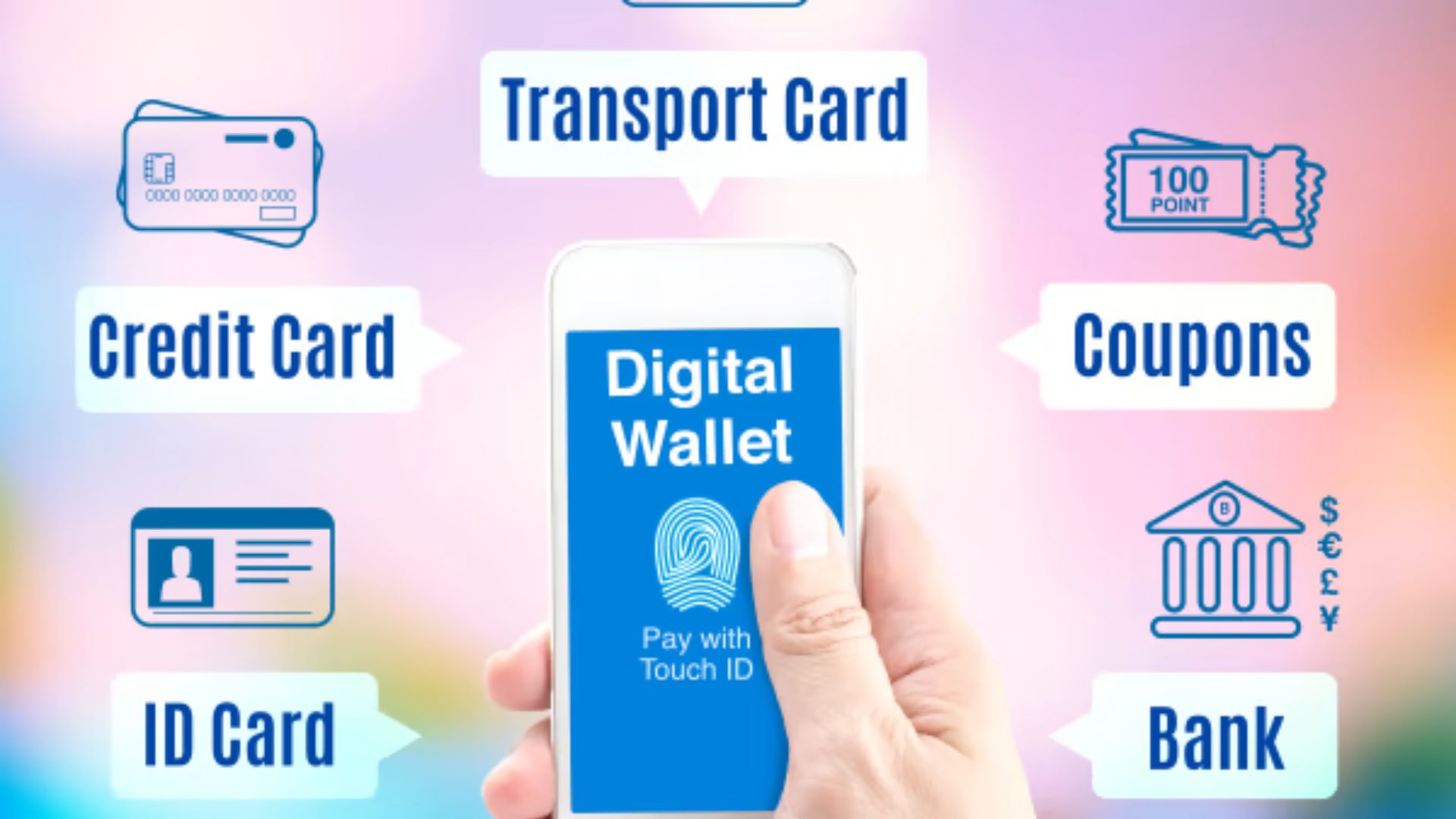
Apple Pay and Google Wallet dominate at the checkout counter.
PayPal shines somewhere else.
Online.
For millions of shoppers, PayPal remains the default choice when buying from unfamiliar websites, sending money to friends, or making purchases from sellers located halfway across the world.
The biggest advantage isn't convenience.
It's protection.
When disputes arise, PayPal often acts as an intermediary between buyer and seller. That extra layer can provide peace of mind when purchasing from merchants you don't know well or when dealing with international transactions.
For many users, that's reason enough to keep PayPal in their digital toolkit.
Accepted by countless online retailers
Strong buyer-protection policies
Convenient international payments
Easy peer-to-peer transfers
Supports multiple currencies
Over the years, PayPal has added so many features that the app can feel crowded.
Savings tools, rewards programs, crypto services, financing offers—the platform tries to do a lot. If all you want is a simple payment app, the experience may feel a little busy.
Depending on how transactions are funded, certain payments may also involve fees.
Here's the thing.
You don't necessarily need to pick a single winner.
Most people are better served by combining tools.
For everyday purchases at stores, restaurants, gas stations, and transit systems, your phone's built-in wallet—whether that's Apple Pay or Google Wallet—is generally the safest and most seamless option available.
For online purchases, marketplace transactions, and payments involving unfamiliar sellers, PayPal adds an extra layer of protection that's hard to ignore.
Together, they cover nearly every payment scenario you'll encounter.
People often obsess over encryption standards and security features while ignoring the most basic risk.
Their own device.
The strongest mobile wallet in the world can't help much if someone already has access to your unlocked phone.
Use a strong device passcode. Enable biometric authentication. Turn on multi-factor authentication wherever it's available.
Those simple habits do more to protect your financial life than most people realize.
Because at this point, your phone isn't just a phone.
It's your wallet, your ID holder, your boarding pass, and in many ways, a digital version of your entire financial life.
Protect it accordingly.