
Smart homes were supposed to make life easier.
Turn on the lights with your voice. Lock the door from your phone. Adjust the thermostat without getting out of bed.
And sometimes, they do exactly that.
But if you’ve ever mixed devices from different brands, you probably know the other side of smart home living: too many apps, inconsistent connections, and that slightly frustrating moment when your “smart” system stops feeling very smart.
The real challenge today isn’t buying connected devices—it’s controlling them in one place without friction.
That’s where smart home hub apps come in.
We tested several of the most widely used smart home platforms in 2026, focusing on three things:
How reliably they connect multiple brands
How easy they are to set up and use daily
How stable and responsive they feel in real-world use
Here are the five apps that stand out.
Google Home is often the first app people try when building a smart home—and for good reason.
It works as a central dashboard for lights, speakers, cameras, thermostats, and thousands of compatible devices. Setup is relatively straightforward, and most devices are detected automatically once they’re connected to the same network.
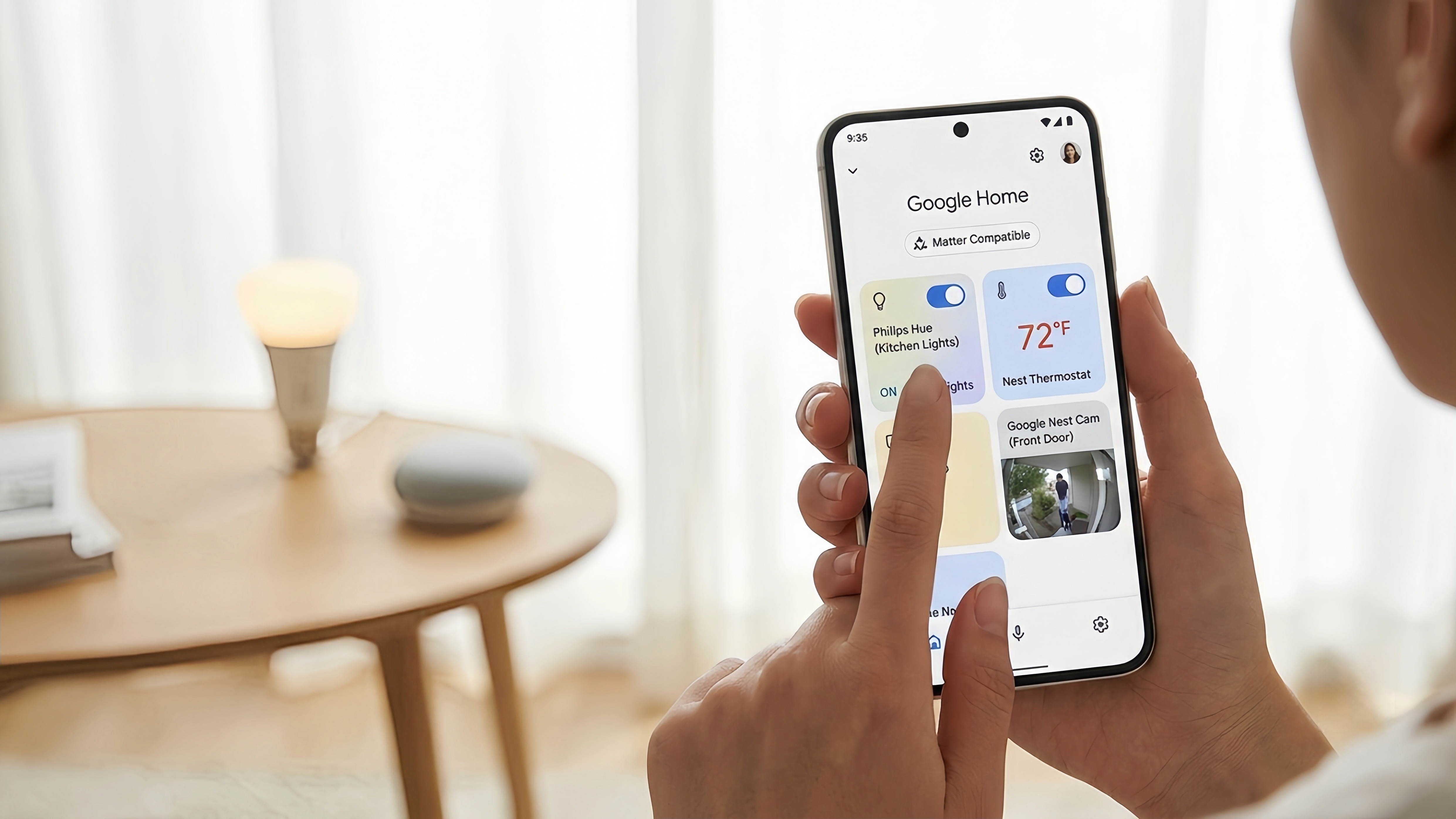
One of its most useful improvements in recent years is natural language automation. Instead of manually building complex routines step by step, users can describe what they want in plain language, and the system will often suggest or build an automation flow.
In testing, multi-device routines like “turn off all lights when I leave home” worked reliably across different brands, which is still one of the biggest advantages of the Google ecosystem.
Easy onboarding for beginners
Strong compatibility across brands
Useful voice assistant integration
Clean, visual control dashboard
Some advanced security and camera features may require paid cloud subscriptions depending on device
Performance depends heavily on internet connectivity
Overall, it’s one of the most balanced options for everyday users.
Apple Home (also known as HomeKit) is designed for users already invested in the Apple ecosystem.
Its biggest strength is not flashy features—it’s consistency. Devices connected through Apple Home tend to respond quickly and reliably, especially when paired with a HomePod or Apple TV acting as a home hub.
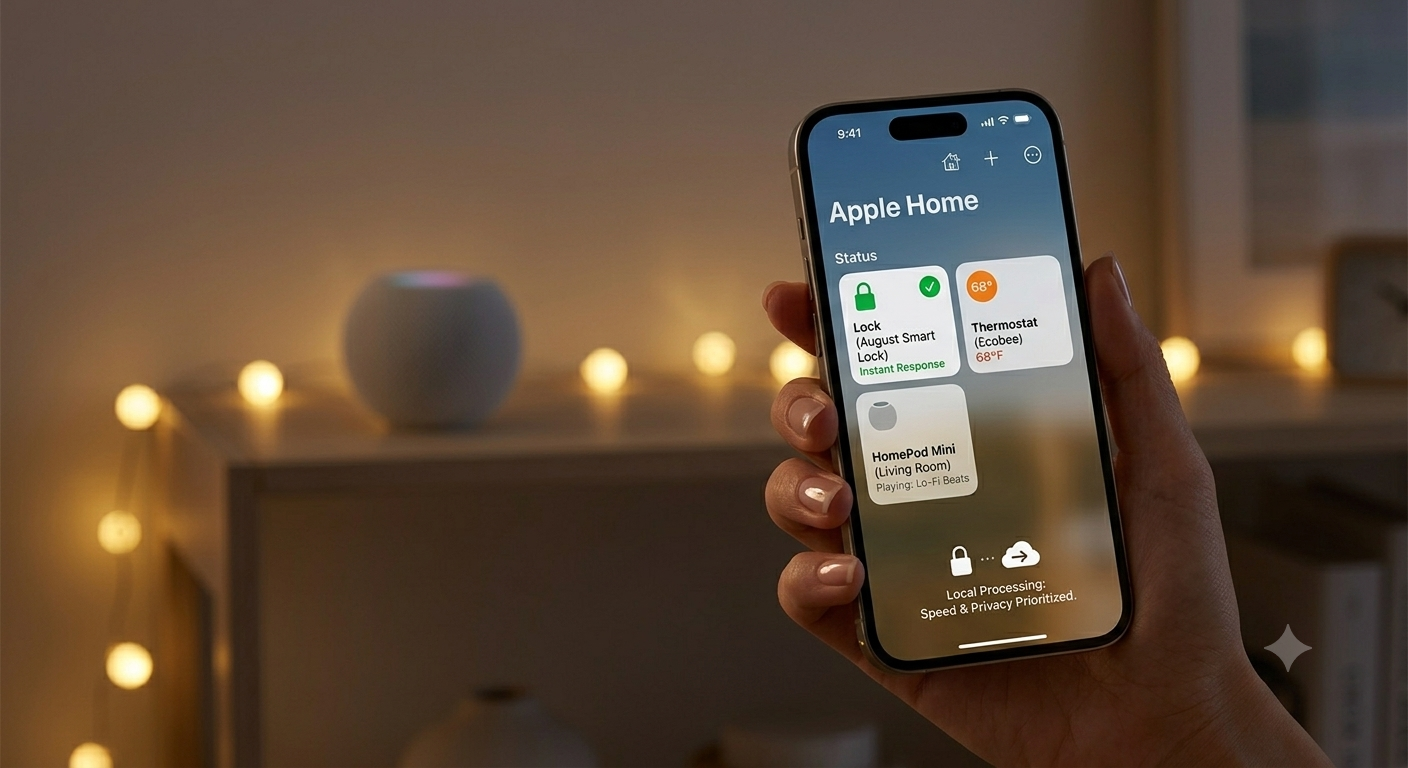
Unlike cloud-heavy systems, Apple prioritizes local processing whenever possible. That means many commands are executed within your home network rather than being routed externally, which improves both speed and privacy.
In daily use, actions like locking doors, turning off lights, or adjusting temperature feel almost instant.
Strong privacy-first architecture
Very fast local response times
Deep integration with iPhone, iPad, and Apple Watch
Stable performance once set up
Best experience requires Apple-only ecosystem
Fewer supported third-party devices compared to more open platforms
It’s ideal for users who want a “quiet,” reliable smart home experience without constant tweaking.
Home Assistant is in a completely different category from most smart home apps.
Instead of being a commercial platform tied to a single company, it’s open-source and typically runs locally on your own hardware. This gives users full ownership of their data and extremely deep customization options.
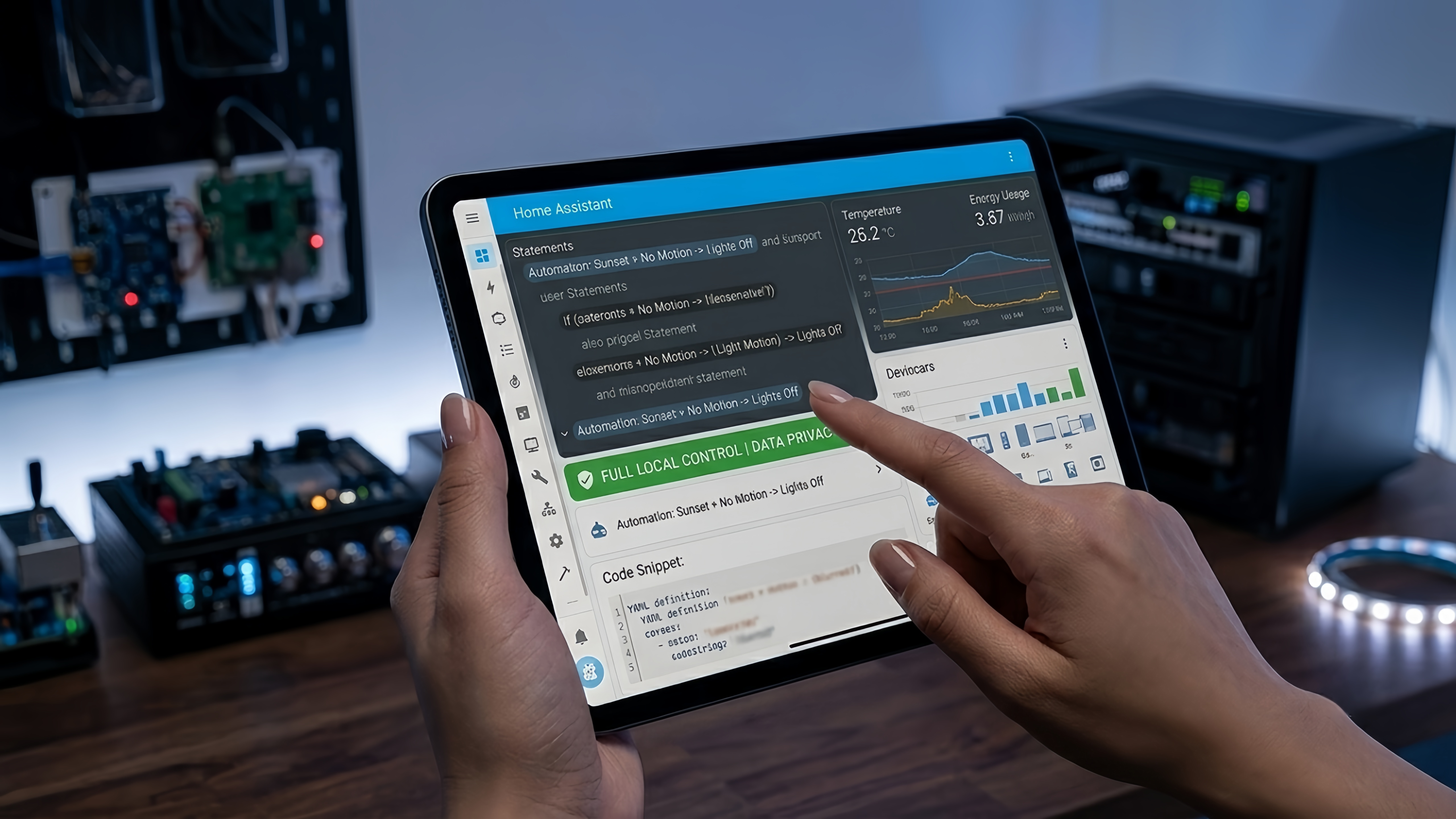
The automation engine is where it really stands out. You can create highly specific rules based on almost anything: sensor data, time, location, weather conditions, or combinations of multiple triggers.
For example, it’s possible to build routines like:
“If no one is home and it’s after sunset, turn off all lights and activate security mode”
“If indoor temperature rises above X, close blinds and turn on cooling system”
In testing, these complex automations performed very reliably—but only after proper setup.
Extremely powerful automation system
Full local control and privacy
No required subscription fees
Works with a wide range of devices
Steep learning curve
Requires setup effort and sometimes dedicated hardware
Not beginner-friendly
This is best suited for users who enjoy building and customizing systems rather than simply using them.
Amazon Alexa remains one of the most widely supported smart home ecosystems available today.
Its biggest advantage is compatibility. If a smart device exists, there’s a very high chance it supports Alexa integration in some form. This makes it especially useful for households with mixed-brand devices.
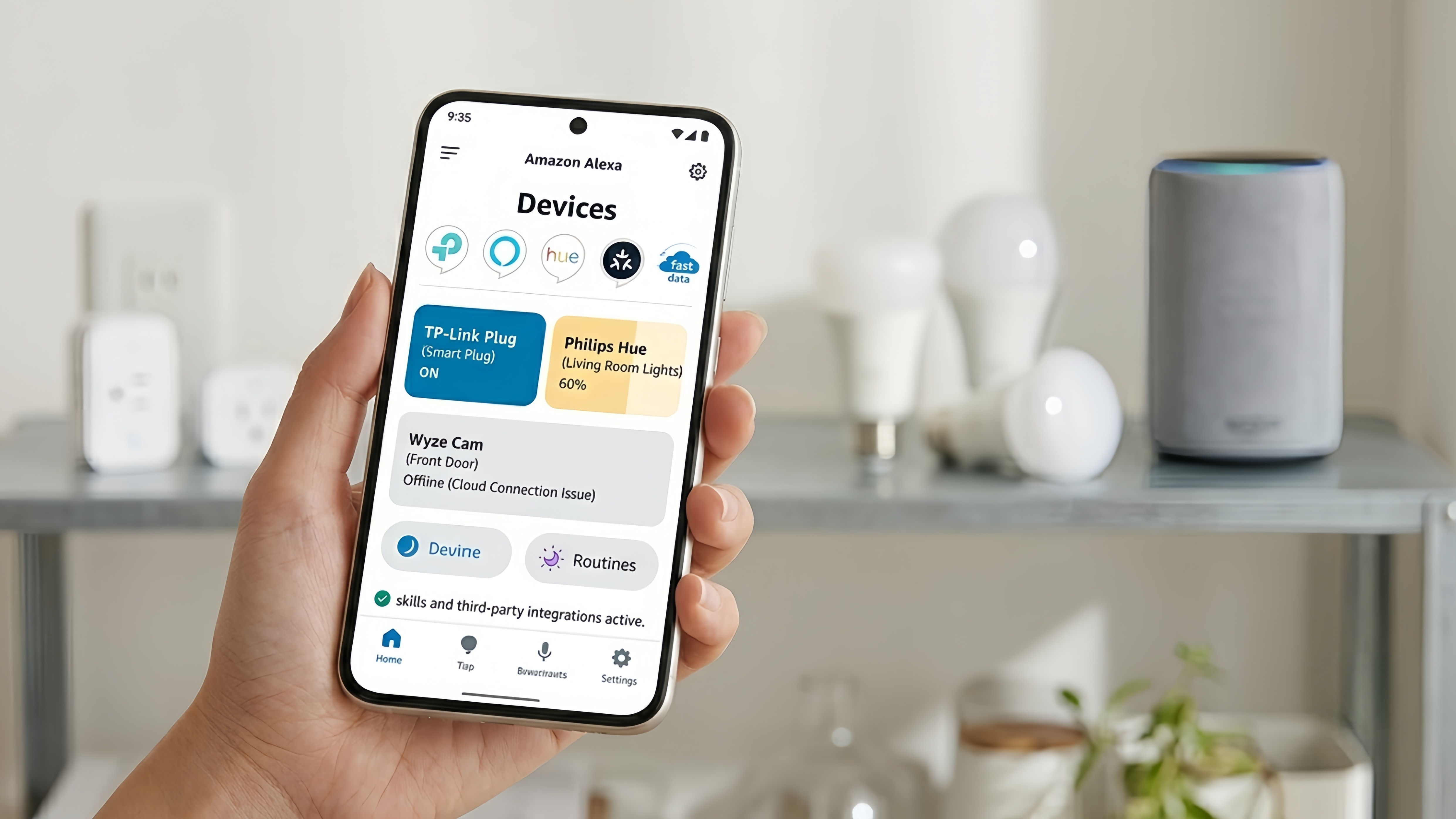
The Alexa app acts as both a control hub and voice assistant interface. Users can manage routines, control devices, and install third-party integrations (often called “skills”) to extend functionality.
In testing, Alexa handled mixed-device environments well, especially when combining lights, plugs, and speakers from different manufacturers.
Extremely wide device compatibility
Strong voice assistant support
Large ecosystem of third-party integrations
Works well in mixed-brand households
Interface can feel cluttered due to Amazon service integrations
Some advanced features are tied to specific hardware or subscriptions depending on region
Alexa is often the most “plug and play” option for broad compatibility.
SmartThings is one of the most practical cross-platform smart home hubs available.
Unlike ecosystems that lean heavily toward one brand, SmartThings focuses on bridging devices from different manufacturers. It has strong support for the Matter standard, which is increasingly becoming the industry baseline for compatibility.
In practice, SmartThings works well as a central hub for routines like “Movie Night” or “Good Morning,” where multiple devices—lights, TVs, blinds, speakers—activate together with a single tap.
During testing, its automation engine proved stable and predictable once devices were properly added.
Strong multi-brand compatibility
Good support for Matter-enabled devices
Stable automation system
Completely free to use
Initial setup for older devices can take more effort
Interface is functional but not the most polished
It’s a solid middle-ground choice for users who want flexibility without deep technical complexity.
There is no single “best” smart home app—it depends entirely on your setup and expectations.
If you want simplicity and broad compatibility → Google Home
If you care about privacy and smooth Apple integration → Apple Home
If you want full control and customization → Home Assistant
If you want maximum device compatibility → Amazon Alexa
If you want stable multi-brand automation → SmartThings
In many real-world setups, the “best” solution is not choosing one ecosystem perfectly, but choosing one as a primary hub and gradually building around it.
If you’re starting a smart home today, look for the Matter certification logo on devices.
It’s quietly becoming the most important standard in the industry, and it significantly improves compatibility across Apple, Google, Amazon, and Samsung ecosystems.